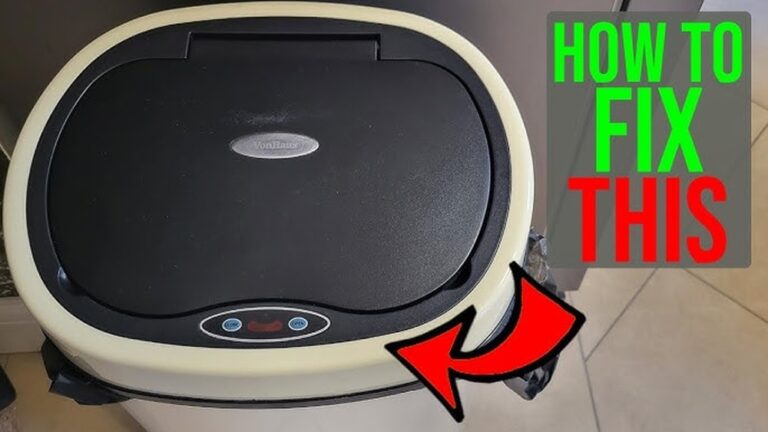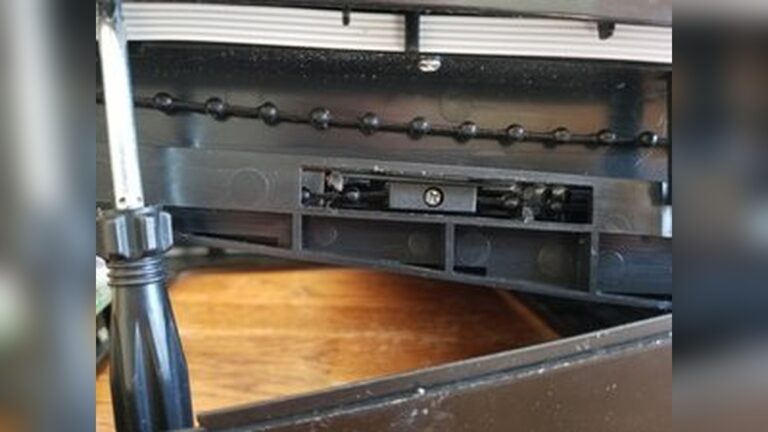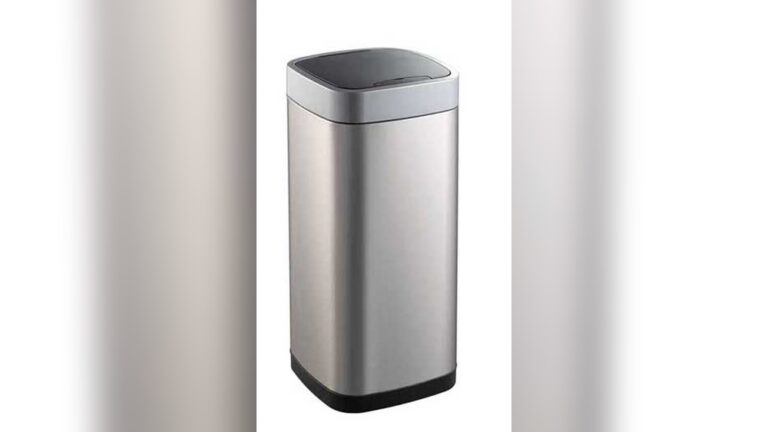
Is your Ninestars trash can sensor not working when you need it most? It’s frustrating when you expect a simple wave of your hand to open the lid, but nothing happens.
You rely on this smart feature to keep your hands clean and your home tidy. Don’t let a faulty sensor slow you down or turn your convenient trash can into a hassle. You’ll discover easy steps to fix the problem quickly and get your Ninestars trash can working like new again.
Keep reading—your hands will thank you.
Common Sensor Issues
The Ninestars trash can sensor may stop working due to common issues. These problems affect the sensor’s ability to detect motion or open the lid. Understanding these causes helps to fix the sensor quickly and avoid frustration.
Power Supply Problems
The sensor needs a steady power supply to work well. Loose connections or damaged wires can cut power. Check if the trash can is properly plugged in or if the batteries are installed right. Sometimes, a reset of the power source can help the sensor work again.
Sensor Blockages
Dirt, dust, or objects can block the sensor’s view. This stops it from sensing motion properly. Clean the sensor area gently with a soft cloth. Avoid using water or harsh cleaners. Keep the sensor free from anything that might cover it.
Battery Life Concerns
Weak or old batteries cause sensor failure. The sensor needs enough energy to detect movement. Replace batteries regularly to keep the sensor active. Use the correct battery type for the best results. Low battery power often causes delayed or no response.
Troubleshooting Steps
When the Ninestars trash can sensor stops working, simple fixes can help. Follow these steps to get the sensor back in action. Each step targets common issues that cause sensor problems. Try them one by one to find the cause and solution.
Resetting The Sensor
Resetting the sensor can clear minor glitches. Locate the reset button on the trash can. Press and hold it for about 5 seconds. Release the button and wait for the sensor to restart. Test if the sensor works by waving your hand over it. This step often restores normal sensor function.
Cleaning The Sensor Lens
Dirt or dust on the sensor lens blocks signals. Use a soft cloth to clean the lens gently. Avoid harsh cleaners that can damage the sensor. Make sure the lens is dry before testing the sensor again. Clean lenses allow the sensor to detect motion properly.
Checking Battery Installation
Incorrect battery placement can stop the sensor from working. Open the battery compartment and check the batteries. Ensure they are inserted according to the positive and negative signs. Replace old or weak batteries with fresh ones. Close the compartment securely and test the sensor once more.
Adjusting Sensor Settings
Adjusting the sensor settings can solve many problems with the Ninestars trash can. The sensor might not detect motion well if it is too sensitive or not sensitive enough. Changing these settings helps the trash can open smoothly and work correctly.
Sensitivity Calibration
Sensitivity calibration controls how the sensor reacts to movement. If the sensor misses your hand, increase the sensitivity. If it opens too often by mistake, lower the sensitivity. Adjust the sensitivity slowly and test after each change. This helps find the right balance for your environment.
Range Adjustment
Range adjustment sets how far the sensor can detect motion. A short range means the trash can opens only when you are very close. A long range allows it to open from farther away. Adjust the range to match your daily use. Too much range may cause false openings. Too little range may make it hard to open.

Credit: ninestarsusa.com
Maintenance Tips
Proper maintenance keeps your Ninestars trash can sensor working well. Small steps can prevent most problems. Follow these tips to ensure smooth sensor function and long life.
Regular Cleaning Routine
Clean the sensor area often. Dust and dirt block sensor signals. Use a soft cloth with mild soap. Avoid harsh chemicals that can damage the sensor. Wipe gently to remove grime and fingerprints. Dry the surface well after cleaning. Keep the lid and sensor free from sticky residue. This helps the sensor detect motion accurately every time.
Battery Replacement Schedule
Change batteries regularly to avoid sensor failure. Weak batteries cause slow or no response. Use good quality alkaline batteries for best results. Check battery life every 3 to 6 months. Replace all batteries at the same time. Remove batteries if you store the trash can for a long time. Proper battery care ensures the sensor stays active and reliable.
When To Seek Professional Help
Knowing when to seek professional help for your Ninestars trash can sensor saves time and stress. Some problems need expert tools and skills. Acting too late may cause more damage. This section helps you understand the signs and options for support.
Persistent Sensor Malfunctions
If the sensor stops working after basic fixes, it may need expert care. Persistent malfunctions include the lid not opening or closing properly. The sensor might respond slowly or not at all. These issues often come from internal faults. Professionals can test the sensor and replace parts safely.
Warranty And Support Options
Check your trash can’s warranty before trying complex repairs. Ninestars offers support for many products under warranty. Contact customer service for advice or to request a repair. Using authorized service keeps your warranty valid. Professionals ensure the right parts and fix the problem correctly.
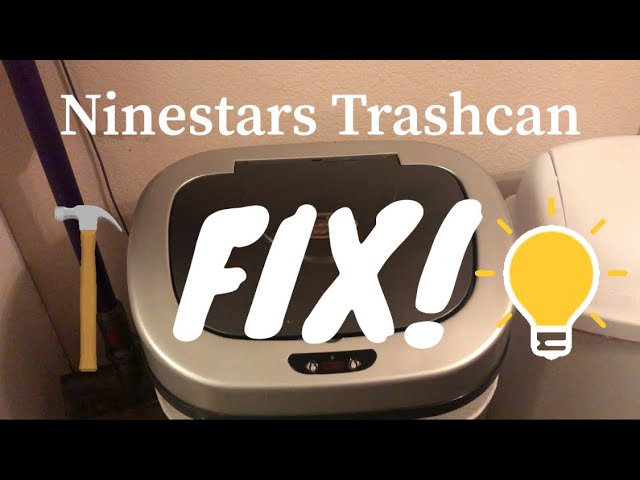
Credit: www.youtube.com
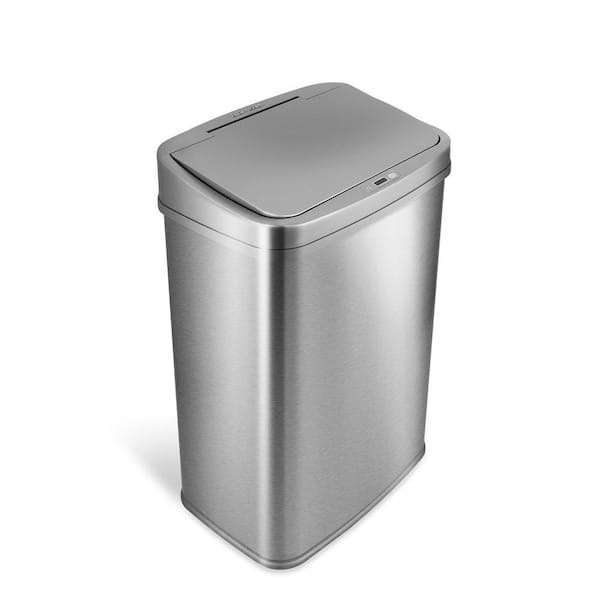
Credit: www.homedepot.com
Frequently Asked Questions
Why Is My Ninestars Trash Can Sensor Not Working?
The sensor may be blocked, dirty, or the batteries could be dead. Clean the sensor and replace batteries to fix it.
How Do I Reset The Ninestars Trash Can Sensor?
Remove batteries, wait 10 seconds, then reinstall them. This resets the sensor and may resolve issues quickly.
Can Low Batteries Cause Sensor Failure On Ninestars Trash Cans?
Yes, weak batteries often cause sensor malfunctions. Replace with fresh batteries to restore proper sensor function.
How Do I Clean The Ninestars Trash Can Sensor Properly?
Use a soft, damp cloth to gently clean the sensor area. Avoid harsh chemicals or water inside the sensor.
Conclusion
Troubles with the Ninestars trash can sensor can be fixed with simple steps. Check the batteries and clean the sensor area first. Make sure nothing blocks the sensor’s view. Resetting the trash can may help too. Regular care keeps it working well.
Don’t ignore small issues; they grow bigger fast. Stay patient and follow the tips shared here. Your trash can will work smoothly again soon. Keep it clean and check often for best results. Simple care saves time and frustration.