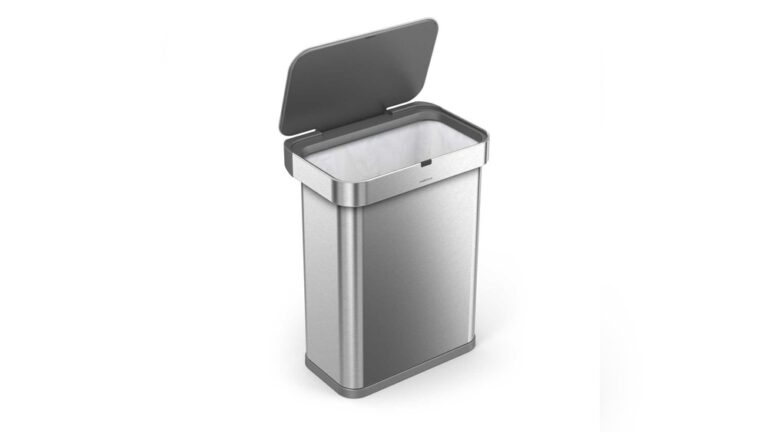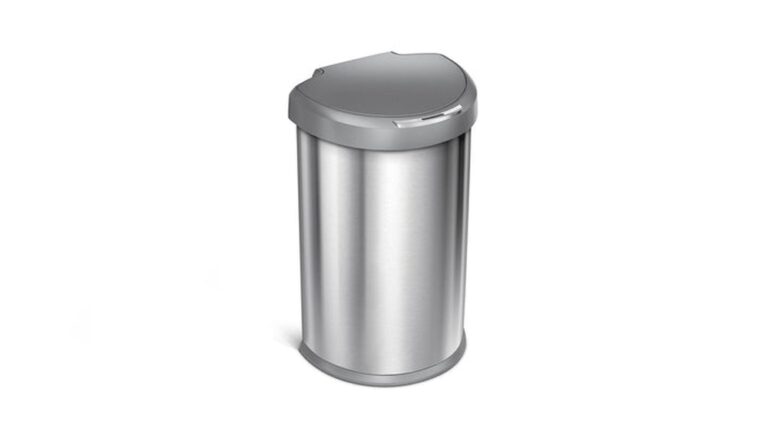
Is your touchless trash can lid not working when you need it most? It’s frustrating when you rely on that easy, hands-free motion and the lid just won’t open.
You might feel stuck, unsure whether it’s a simple fix or a sign to buy a new one. Don’t worry—this problem is more common than you think, and you can solve it faster than you expect. Keep reading to discover quick tips and easy solutions that will get your touchless trash can working smoothly again.
Your kitchen routine will thank you.

Credit: www.amazon.com
Common Causes Of Lid Malfunction
Touchless trash cans offer great convenience, but their lids can sometimes stop working. Understanding common causes helps fix the problem fast. Most lid malfunctions come from simple issues. These include sensor troubles, power supply problems, and mechanical blockages. Identifying the cause lets you restore your trash can’s function quickly.
Sensor Issues
The sensor detects your hand to open the lid. Dirt, dust, or smudges can block the sensor. This stops it from sensing movement properly. Bright lights or sunlight may also interfere with the sensor. Sometimes, the sensor itself may be faulty or damaged. Cleaning the sensor gently can often solve the problem.
Power Supply Problems
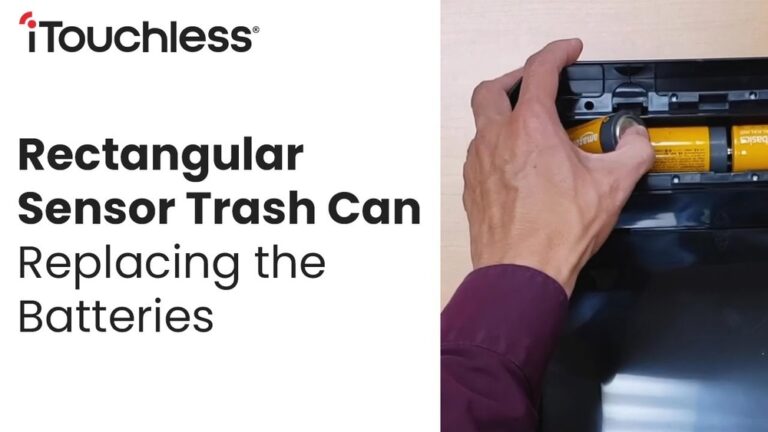
The trash can needs power to open the lid automatically. Dead or weak batteries are a common cause of failure. Loose battery connections can also stop the lid from working. Some models use rechargeable batteries that may wear out over time. Replacing or securing the power source usually fixes these issues.
Mechanical Blockages
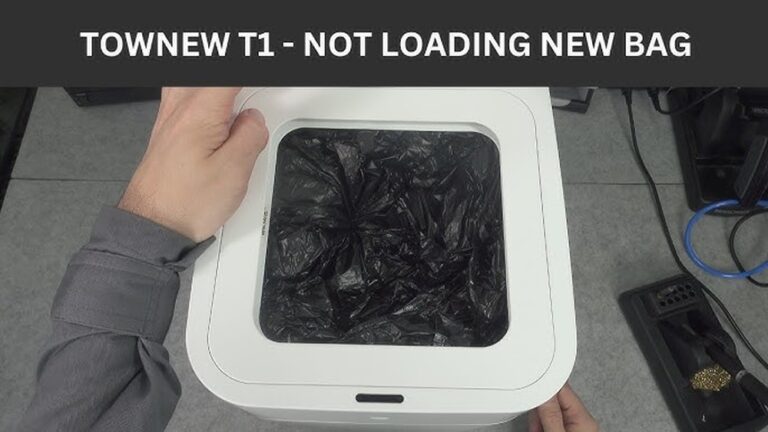
Physical obstructions can prevent the lid from moving freely. Trash or debris stuck in the lid’s hinges or tracks can cause jams. Sometimes, the lid’s mechanism may become misaligned. Regular cleaning and checking for stuck items can help maintain smooth operation. Fixing blockages often restores the lid’s movement.

Credit: www.itouchless.com
Quick Troubleshooting Steps
Touchless trash cans bring great convenience. Sometimes, the lid may stop working. Quick troubleshooting can often fix the issue fast. Follow these simple steps to get your lid moving again.
Resetting The Sensor
Start by turning off the trash can. Wait for about 10 seconds. Turn it back on to reset the sensor. This step often clears any minor glitches. Test the lid by waving your hand near the sensor. It should open smoothly now.
Checking Batteries
Weak or dead batteries cause many problems. Open the battery compartment and remove the old batteries. Replace them with fresh ones of the correct type. Make sure batteries are placed correctly, with the right polarity. Close the compartment securely. Test the lid again to see if it works.
Cleaning The Sensor Area
Dirt and dust can block the sensor. Use a soft, dry cloth to clean the sensor area gently. Avoid using water or harsh cleaners. A clean sensor can detect motion better. After cleaning, wave your hand near the sensor to check if the lid opens.
Fixing Sensor Problems
Touchless trash cans use sensors to open the lid without touching it. Sometimes, these sensors stop working properly. Fixing sensor problems can make your trash can work like new again.
Sensor issues often happen because of dirt, wrong settings, or damaged parts. Cleaning the sensor and checking its settings can help. If the sensor is broken, replacing it might be the best choice. Let’s explore simple ways to fix these common sensor problems.
Adjusting Sensor Sensitivity
Sensors detect motion or hand movement to open the lid. Sometimes, the sensor is too sensitive or not sensitive enough. You can adjust the sensor sensitivity to fix this. Look for a small switch or button near the sensor. Change the setting to increase or decrease sensitivity. Test the lid by moving your hand slowly in front of the sensor. Repeat the adjustment until it opens smoothly.
Proper sensitivity helps avoid false triggers or no response at all. Keep the sensor clean and dry while adjusting. This makes sure the sensor works better and lasts longer.
Replacing Faulty Sensors
A sensor can stop working due to damage or wear. If cleaning and adjusting do not help, the sensor may need replacement. Check your trash can’s manual for the correct sensor part. You can buy a new sensor online or at a hardware store.
Turn off the trash can before replacing the sensor. Carefully remove the old sensor and connect the new one. Follow the instructions to secure it properly. After installation, test the lid to confirm the new sensor works well. Replacing a faulty sensor often solves the problem completely.
Credit: www.ifixit.com
Mechanical Repairs
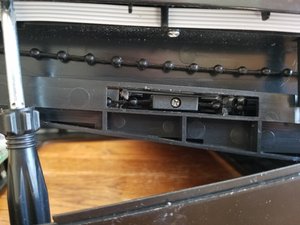
Mechanical issues often cause a touchless trash can lid to stop working. Small parts inside the lid can get stuck or dirty. Fixing these parts can bring the lid back to life. This section covers basic mechanical repairs you can try at home.
Removing Obstructions
Check the lid’s moving parts for any dirt or debris. Trash, dust, or small objects can block the lid’s movement. Carefully open the lid and look inside. Use a soft cloth or brush to clear out dirt. Clear all blockages to allow smooth lid motion.
Lubricating Moving Parts
Dry or stiff parts can cause the lid to jam. Apply a small amount of lubricant to hinges and joints. Use a light oil designed for small machines. Avoid over-lubricating as it can attract more dirt. Move the lid back and forth to spread the oil evenly.
When To Contact Support
Knowing when to contact support for your touchless trash can lid not working is important. Small problems may be fixed at home. Some issues need expert help. This saves time and avoids damage.
Warranty Considerations
Check your product’s warranty before calling support. Many touchless trash cans come with a one-year warranty. Warranty covers repairs or replacement for free. Do not try to fix the lid yourself if it is under warranty. This might void the warranty. Read the warranty terms carefully to know what is covered.
Professional Repair Services
Professional repair services have the right tools and knowledge. They can diagnose and fix complex issues safely. Attempting repairs without experience may cause more damage. Contact support if the lid does not respond to simple fixes. Experts can also provide advice on proper maintenance. This helps your trash can last longer and work better.
Preventive Tips To Avoid Future Issues
Preventing problems with a touchless trash can lid saves time and effort. Simple habits keep the lid working smoothly. Avoiding common mistakes helps the sensor stay responsive. Follow easy steps to maintain your trash can properly.
Regular Cleaning Routine
Dust and dirt can block the sensor. Clean the sensor area with a soft cloth every week. Avoid using harsh chemicals near the sensor. Wipe the lid and edges to remove grime. Keep the battery compartment dry and clean. Regular cleaning stops buildup that causes malfunctions.
Proper Usage Guidelines
Do not place objects too close to the sensor. The sensor works best with clear space around it. Avoid slamming the lid shut. Use gentle hand movements to trigger the sensor. Replace batteries before they run out. Follow the manufacturer’s instructions for setup and use. Proper use extends the lid’s lifespan and reliability.
Conclusion
A touchless trash can lid may stop working for many reasons. Check the batteries first and replace them if needed. Clean the sensor gently to remove dust or dirt. Make sure nothing blocks the sensor’s view. Reset the lid by unplugging and plugging it back in.
These simple steps often fix the problem quickly. Regular care helps keep your touchless trash can working well. Keep trying these tips before thinking about repairs or replacements. Your trash can will work smoothly again with a little effort.