
Is your trash compactor acting up and refusing to work? You’re not alone.
Many people face this frustrating problem, but the good news is that it often has a simple fix: the trash compactor reset button.
You’ll discover exactly where to find the reset button, how it works, and why it’s key to getting your compactor back in action fast. Keep reading to take control of your appliance and stop wasting time on unnecessary fixes.
Common Reasons For Reset
The trash compactor reset button plays a key role in fixing common problems. Knowing why you may need to press it helps keep your compactor working well. Several issues can cause the compactor to stop or act strange. These issues often need a reset to clear errors.
Below are the most common reasons you might need to reset your trash compactor.
#1 Power Interruptions
Power cuts or surges can stop the compactor from working.
The reset button helps restart the system after electricity returns. Sudden power loss can confuse the control board. Pressing reset clears the error and lets the compactor run again.
#2 Overheating Issues
Trash compactors can get too hot if used for too long.
Overheating triggers a safety lock to protect the motor. The reset button resets this lock after the compactor cools down. This step prevents damage and keeps the compactor safe.
#3 Jammed Components
Sometimes trash or parts get stuck inside the compactor.
Jams stop the machine and cause errors. After clearing the jam, press the reset button. This action tells the compactor to try running again. It helps avoid more serious damage.
Locating The Trash Compactor Reset Button
Finding the reset button on your trash compactor is important for fixing common problems. This button helps restart the machine after it stops working or jams. Knowing where to find it saves time and effort.
Typical Button Placement
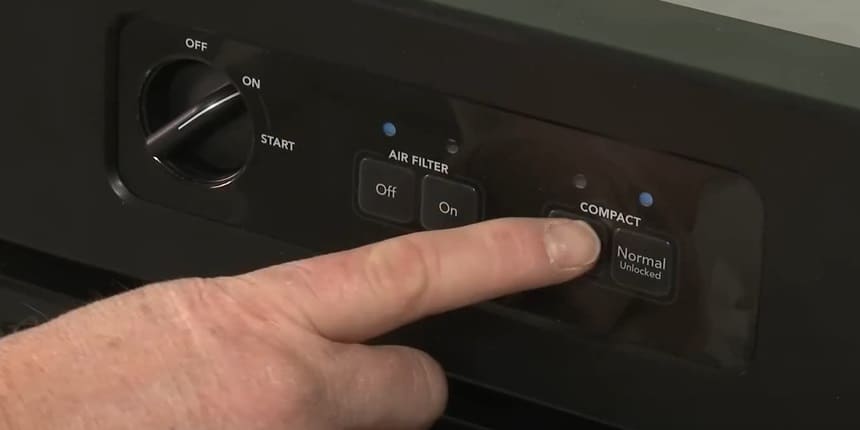
The reset button usually sits near the motor or control panel.
It is often red or brightly colored for easy spotting.
Look inside the compactor door or at the back of the unit.
Sometimes, it is hidden behind a small cover or panel. Pressing this button restores power and clears errors.
Using The User Manual
The user manual shows the exact location of the reset button.
It includes diagrams and clear instructions. Check the troubleshooting section for tips on resetting.
Manuals vary by brand and model, so follow the guide carefully. Keep the manual handy for future reference.
Step by step trash compactor Reset troubleshooting Process
Resetting a trash compactor is simple and quick. The reset button helps fix common issues like jams or power cuts. Follow each step carefully to get your compactor working again.
Step 1: Safety Precautions
Always unplug the compactor before starting. This stops any electric shocks.
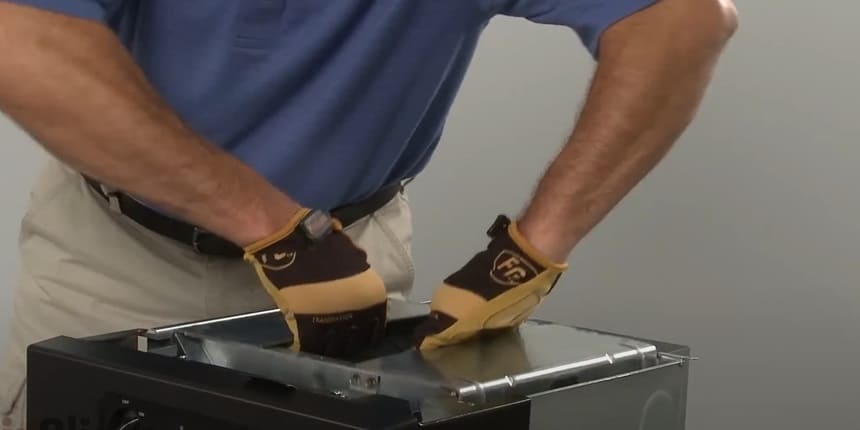
Remove any trash blocking the compactor. Wear gloves to protect your hands. Keep children and pets away during the reset process.
Step 2: Pressing The Reset Button
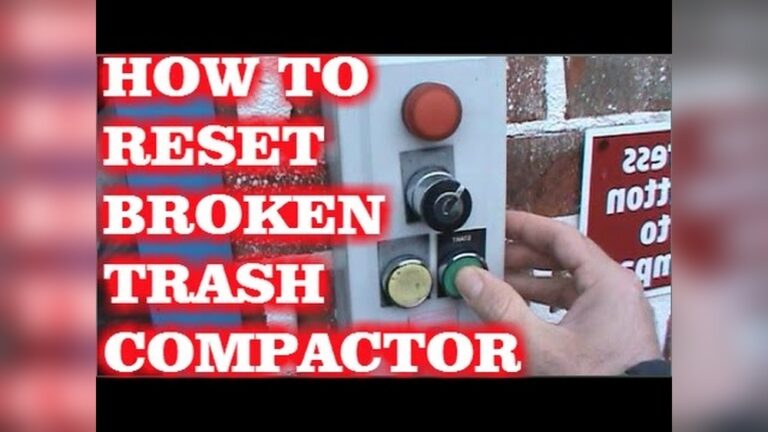
Find the reset button on the compactor. It is usually red and small.
Press and hold the button for about 5 seconds. Release it and wait for the compactor to reset. If the button does not stay pressed, try again.
Step 3: Testing The Compactor
Plug the compactor back into the power source.
Run a short test cycle without trash inside. Listen for any strange noises. Check if the compactor operates smoothly. Stop the test if you see any problems.
Troubleshooting When trash compactor Reset Fails
Sometimes, pressing the trash compactor reset button does not fix the problem.
The compactor might still not work after resetting. Troubleshooting helps find the real issue. Follow these steps to check and fix common problems.
#1: Checking For Obstructions
Look inside the compactor for stuck items. Small objects can block the mechanism.
Remove any trash or debris that stops the compactor from moving.
Clear space allows the compactor to work properly. Use gloves to protect your hands while cleaning.
#2: Inspecting Electrical Connections
Check the power cord and plug for damage.
Loose wires or poor connections can cause failure.
Unplug the compactor before inspecting.
Make sure the outlet works by testing another device. Secure any loose wires or replace damaged parts carefully.
#3: Consulting Professional Help
If the compactor still fails after these checks, call a repair expert. Professionals have the tools to diagnose complex issues.
They can fix electrical or mechanical problems safely. Avoid trying to repair complicated parts yourself. A technician ensures the compactor works well again.
Preventive trash compactor Maintenance Tips
Preventive maintenance helps keep your trash compactor working well. Small efforts prevent big problems. Follow these tips to avoid frequent resets and repairs.
Regular Cleaning
Clean the trash compactor often. Remove debris and spills inside the unit. Use a damp cloth and mild soap. Keep the area around the compactor free of dust. Clean parts help the machine run smoothly.
Avoiding Overloading
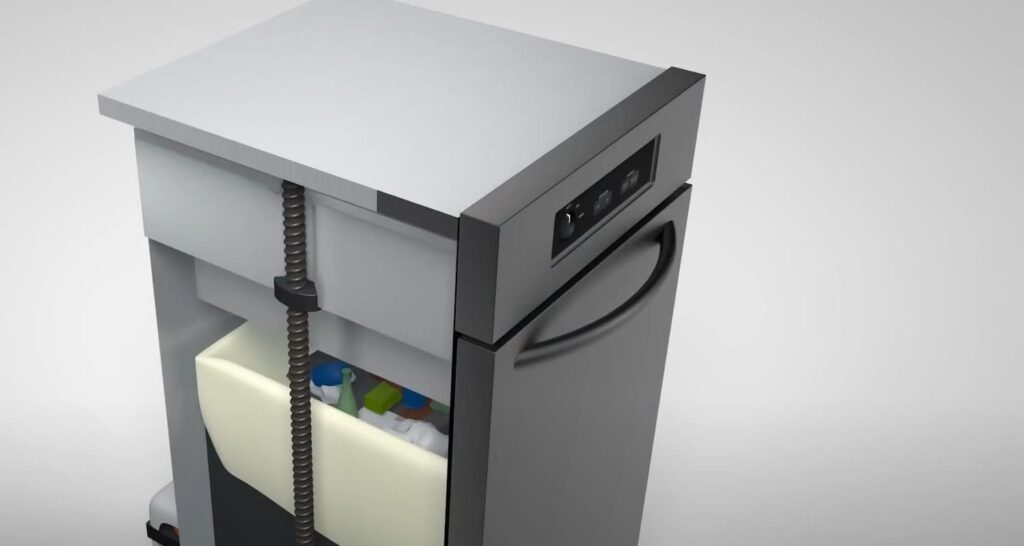
Do not put too much trash in the compactor. Overloading can cause jams and damage. Compact only the recommended amount. Too much pressure triggers the reset button. Proper loading extends the life of your compactor.
Routine Inspections
Check the compactor regularly for signs of wear. Look for broken parts or loose wires. Test the reset button to ensure it works. Early detection of problems saves time and money. Schedule inspections every few months.
What Is A Trash Compactor Reset Button Used For?
The reset button clears jams and errors in the trash compactor.
It restores normal operation after overload or blockage. Pressing it helps avoid damage and resumes compacting safely.
How Do I Find The Reset Button On My Compactor?
The reset button is usually located near the motor or control panel.
Check your compactor’s manual for exact location. It is often a small, red or black button.
When Should I Press The Trash Compactor Reset Button?
Press the reset button after the compactor stops working or jams.
It’s also useful if the motor overheats or the safety sensor activates. Always unplug before resetting for safety.
Can Pressing The Reset Button Fix All Compactor Issues?
No, the reset button only clears minor jams and errors.
Mechanical or electrical faults require professional repair. Use reset as a first step to troubleshoot basic problems.
Conclusion
The trash compactor reset button helps fix common problems fast. Pressing it can stop jams and restore power. Keep the button clean and easy to reach. Always follow safety steps before you reset. Knowing this simple trick saves time and hassle.
Your compactor will work smoothly again. Try it next time your compactor stops. Small actions make a big difference in home care.
2 Comments