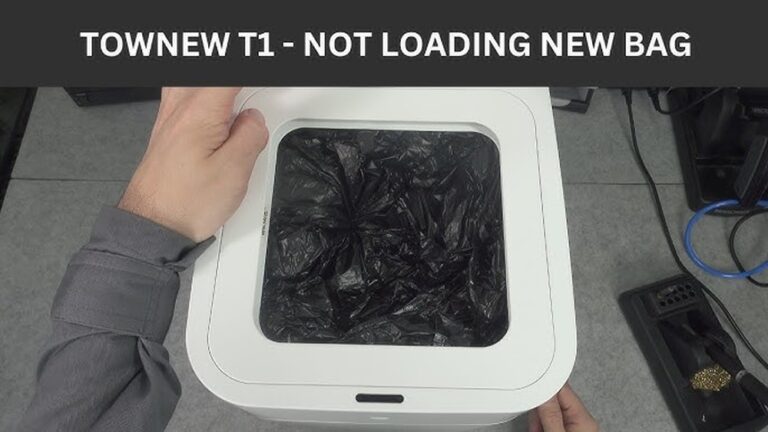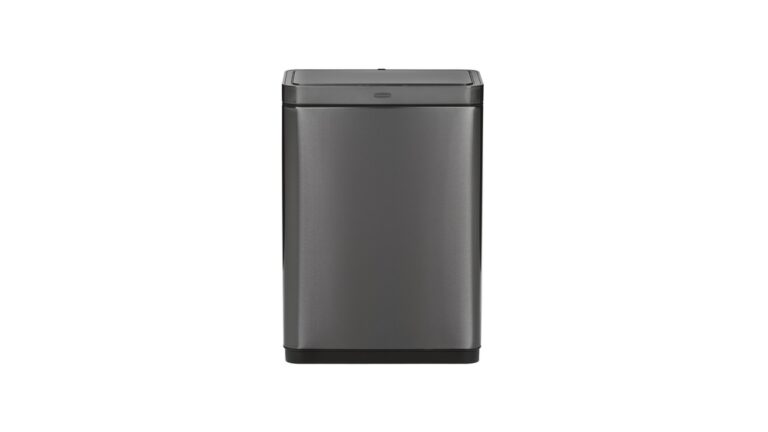
Is your touchless trash can not working the way it should? You rely on it to keep things clean and hands-free, but when it stops responding, it can be frustrating.
Don’t worry—you’re not alone, and fixing it might be easier than you think. You’ll discover simple, step-by-step troubleshooting tips to get your touchless trash can back in action quickly. Keep reading to save time, avoid hassle, and enjoy the convenience you deserve.
Power Problems
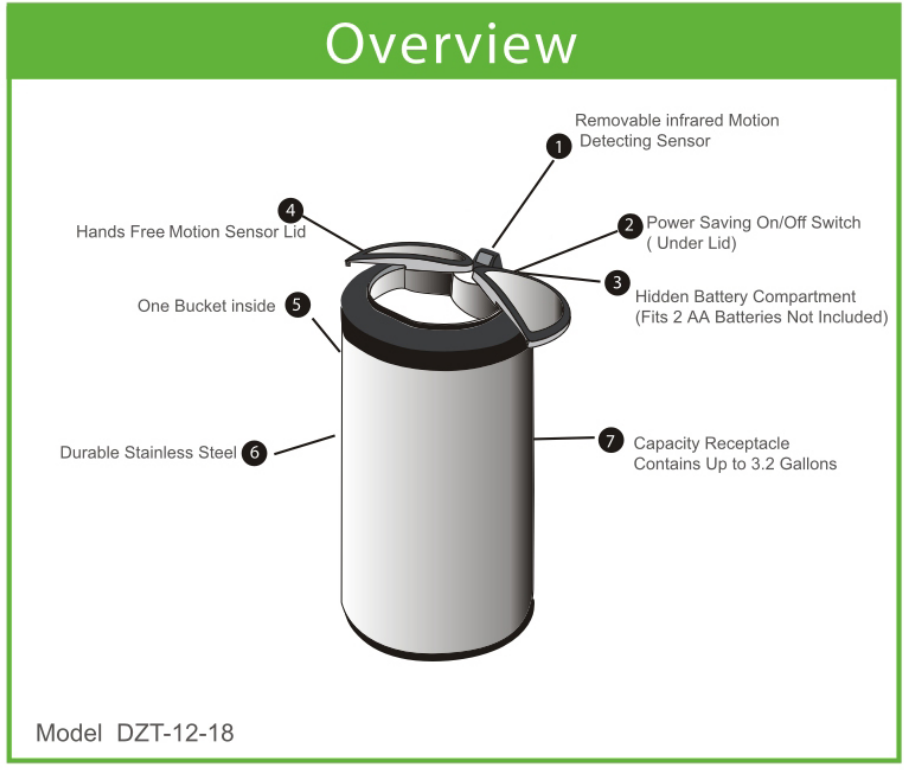
Power problems often cause touchless trash cans to stop working. The sensor may not respond, or the lid might not open. Checking the power source is the first step to fix these issues. Batteries can run out, or they might be in the wrong position. Some models also use power adapters, which can fail or disconnect. Understanding these common power problems helps keep your trash can working smoothly.
Checking Battery Installation
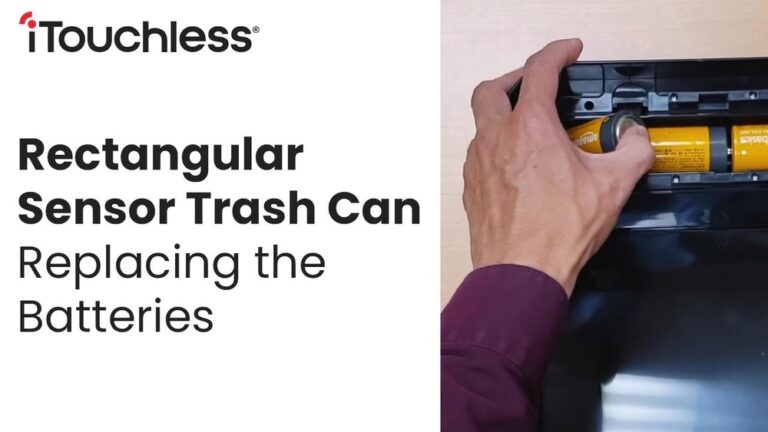
Open the battery compartment carefully. Check if the batteries are placed correctly. Look for the plus (+) and minus (-) signs. Batteries installed backward will stop the trash can from working. Also, check for corrosion or dirt on the battery contacts. Clean them gently with a dry cloth if needed. Make sure the compartment door closes tightly.
Replacing Batteries
Old batteries lose power over time. Replace them with fresh ones of the same type. Use new alkaline batteries for longer life. Avoid mixing old and new batteries together. Remove dead batteries immediately to prevent leaks. After replacing, test the trash can to see if it works. Keep spare batteries nearby for quick replacement.
Using Power Adapters
Some touchless trash cans can use power adapters instead of batteries. Check if your model supports this option. Make sure the adapter is plugged into a working outlet. Inspect the adapter cable for damage or loose connections. Use the adapter recommended by the manufacturer. Using the wrong adapter may cause damage or stop the trash can from working.
Credit: trashcansunlimited.com
Sensor Issues
Sensor issues are common problems with touchless trash cans. The sensor controls the lid’s automatic opening. If it fails, the lid might not open or close properly. Fixing sensor problems can restore your trash can’s smooth operation.
Cleaning The Sensor
Dirt and dust can block the sensor’s view. Wipe the sensor gently with a soft cloth. Use a little water or mild soap if needed. Avoid harsh chemicals that can damage the sensor. Clean regularly to keep the sensor clear.
Adjusting Sensor Sensitivity
Some touchless trash cans let you change sensor sensitivity. Too low sensitivity means the lid won’t open easily. Too high can cause the lid to open by mistake. Check your trash can’s manual for instructions. Adjust until the lid reacts well to your hand.
Avoiding Sensor Obstructions
Keep objects away from the sensor area. Items like bags or furniture can block the sensor. Make sure nothing is too close to the trash can. This helps the sensor detect your hand clearly. Clear space around the sensor supports proper function.
Lid Malfunctions
Touchless trash cans offer great convenience, but lid malfunctions can cause frustration. Problems with the lid may stop it from opening or closing properly. These issues often happen due to misalignment, sensor errors, or mechanical blockages.
Quick fixes can restore smooth lid action. Understanding common problems helps you fix them fast. Below are simple steps to troubleshoot lid malfunctions.
Realigning The Lid
The lid may not close or open correctly if it is out of alignment. Check if the lid sits evenly on the trash can. Gently lift the lid and place it back carefully. Press down firmly to ensure it locks in place. Tighten any loose screws or hinges. Proper alignment helps the sensor work correctly and avoids jams.
Fixing Lid Stuck Open
A lid stuck open wastes battery power and invites odors. Check for anything blocking the lid’s path. Clean the sensor area with a soft cloth to remove dirt. Test the sensor by waving your hand near it. Replace batteries if the sensor does not respond. Reset the trash can by unplugging it or pressing the reset button. These steps usually restore normal lid movement.
Fixing Lid Stuck Closed
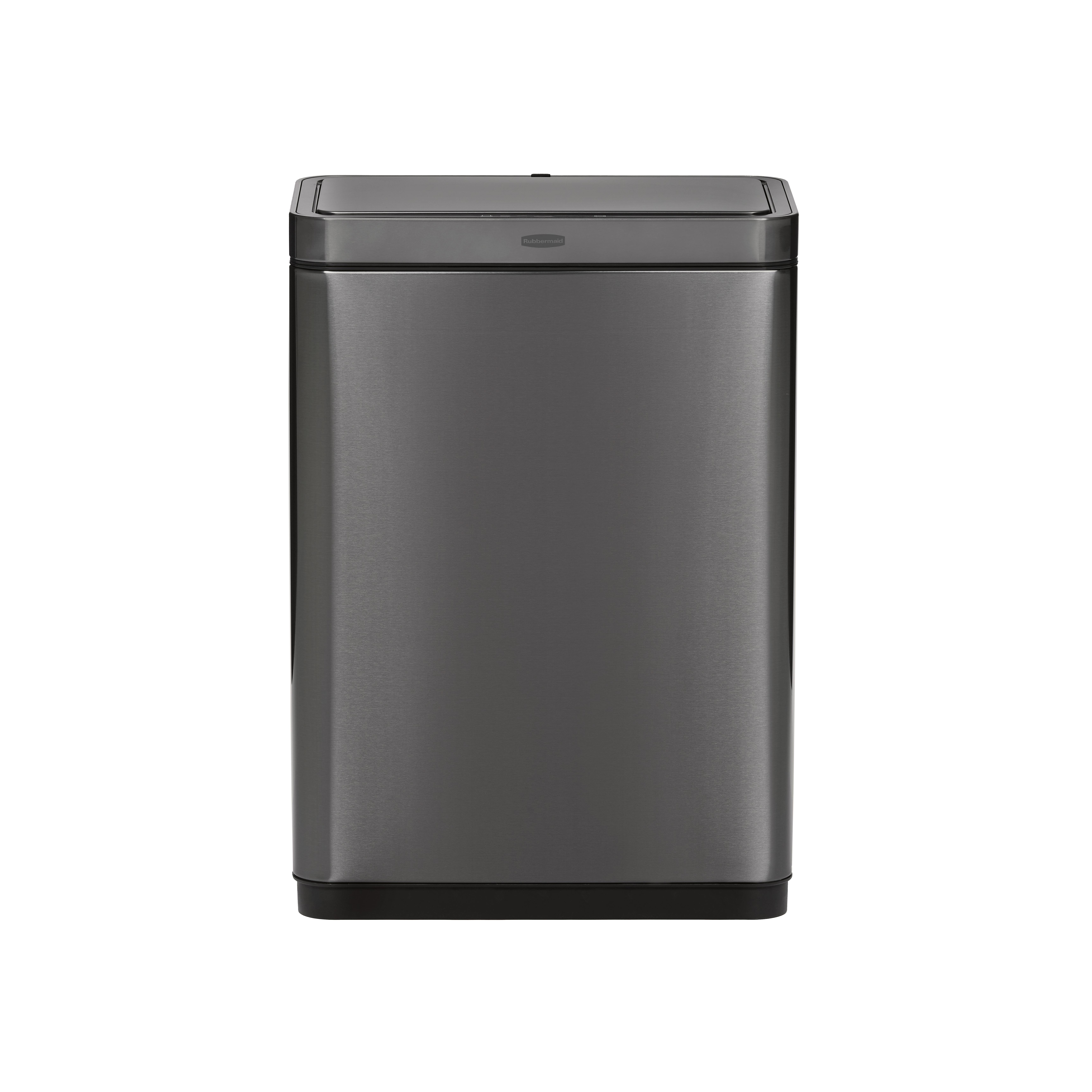
A lid stuck closed can make trash disposal hard. Look for obstructions around the lid’s edges or sensor. Clear any trash or debris caught inside. Clean the sensor with a damp cloth. Try opening the lid manually using the button or manual release. Check battery power and replace if needed. Regular cleaning and inspection prevent future lid closures.
Credit: www.rubbermaid.com
Mechanical Problems
Mechanical problems are common issues with touchless trash cans. These problems stop the lid from opening or closing smoothly. They often come from worn or broken parts inside the mechanism. Fixing these issues can make your trash can work like new again. Simple checks and repairs can solve many mechanical faults quickly.
Lubricating Moving Parts
Moving parts need regular lubrication to work well. Dry or rusty parts cause the lid to stick or move slowly. Use a light oil or silicone spray to lubricate hinges and joints. Apply a small amount on each moving part. Wipe off extra oil to avoid dirt build-up. This helps the lid open and close smoothly without noise.
Inspecting For Physical Damage
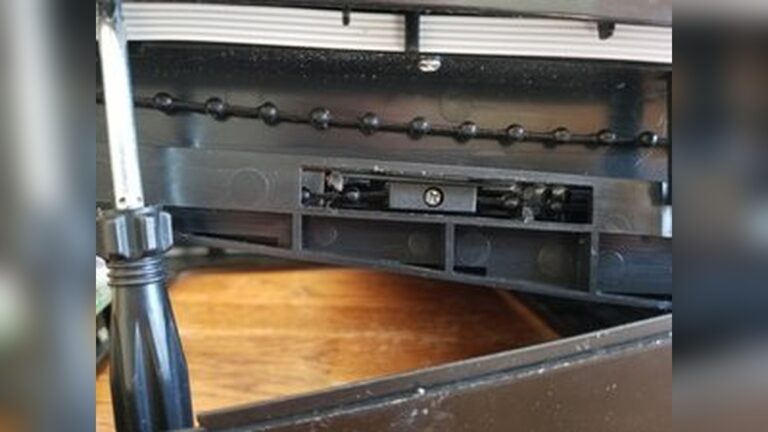
Check the trash can for cracks or broken pieces. Look at the lid, hinges, and sensor cover carefully. Small cracks can cause the lid to misalign. Broken hinges stop the lid from moving properly. Remove any debris stuck in the mechanism. Damaged parts may need to be replaced to restore full function.
Replacing Broken Components
Some parts wear out and break over time. Common parts to replace include hinges, springs, and lids. Use original parts for the best fit and performance. Follow the user manual for instructions on replacement. Turn off power before removing any parts. Proper replacement ensures the trash can works reliably again.
Connectivity And Alerts
Touchless trash cans often come with smart features. These include connectivity options and alert systems. Such features make trash disposal easier and cleaner. They also need occasional troubleshooting to work well.
Connectivity issues or alert signals can confuse users. Knowing how to reset the trash can helps fix many problems. Understanding indicator lights gives clues about the device status. Troubleshooting wireless features keeps the smart functions running smoothly.
Resetting The Trash Can
Resetting the trash can clears minor errors. Start by turning off the device. Wait for 10 seconds. Turn it back on. This simple step often restores normal function.
If the problem persists, check the user manual. Some models have a reset button. Press and hold it for a few seconds. This action resets the device to factory settings. Remember, a reset may erase custom settings.
Interpreting Indicator Lights
Indicator lights show the trash can’s status. A solid green light means the device is ready. A blinking light often signals a problem. Red lights usually indicate an error or low battery.
Refer to the product guide for specific light meanings. Understanding these signals helps quickly identify issues. This avoids unnecessary repairs or replacements.
Troubleshooting Wireless Features
Wireless features include Bluetooth or Wi-Fi connections. Start by checking if the trash can is within range of the router. Weak signals cause connection drops.
Turn off and on the wireless feature. This often restores the connection. Update the device firmware regularly. Outdated software can cause wireless problems.
Disconnect and reconnect to your network if needed. Ensure your network password is correct. These steps help maintain smooth wireless operation.

Credit: mojotaqueria.com
Conclusion
Touchless trash cans make life cleaner and easier. Small issues can stop them from working well. Checking the batteries often helps fix many problems. Keep the sensor clean to avoid errors. Make sure nothing blocks the sensor’s view. Simple steps usually solve most troubles fast.
Stay patient and try these easy tips. Your trash can will work smoothly again. Clean hands, no touch – that’s the goal. Keep your space neat with a working trash can.