Are you frustrated because your touchless trash can won’t open when you need it? It’s annoying, especially when your hands are full or dirty.
You rely on this handy device to make trash disposal quick and clean, but a stuck lid can throw everything off. Don’t worry—you’re not alone, and the fix might be simpler than you think. Keep reading to discover why your touchless trash can isn’t opening and how you can get it working perfectly again.
Your kitchen routine will thank you.

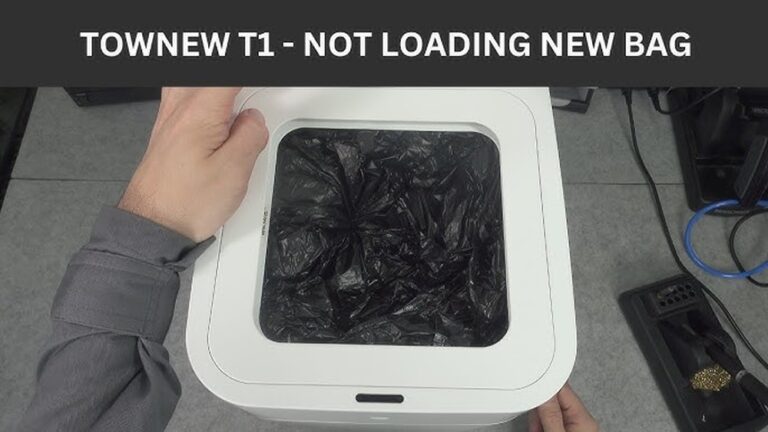
Credit: www.youtube.com
Common Causes
Touchless trash cans offer convenience but can stop opening sometimes. Understanding common causes helps fix the problem quickly. These issues often fall into three main categories. Each affects the sensor or mechanism differently.
Sensor Issues
The sensor might be dirty or blocked by dirt. Dust or smudges reduce its ability to detect motion. Bright lights or direct sunlight can confuse the sensor. Sometimes, the sensor’s wiring becomes loose or damaged. This prevents it from sending the right signals to open the lid.
Power Problems
Low batteries are a frequent cause of failure. Weak power means the trash can cannot operate the motor. Check if the batteries are inserted correctly. Faulty power adapters or cords can also disrupt power supply. Without enough power, the lid will not open.
Mechanical Blockages
Debris or trash stuck inside can block the lid’s movement. Hinges may become rusty or stiff over time. This stops the lid from moving smoothly. Parts inside the mechanism can break or wear out. Any blockage or damage can prevent the lid from opening.

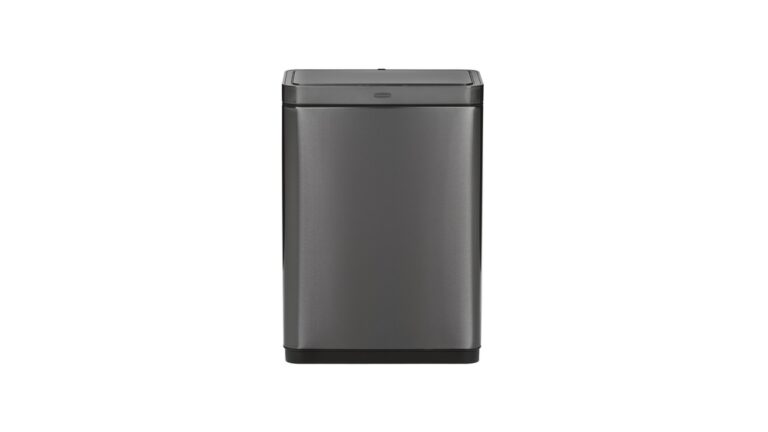
Credit: www.itouchless.com
Basic Troubleshooting
Touchless trash cans offer great convenience. Sometimes, they stop opening. Basic troubleshooting helps fix common problems quickly. Start with easy checks before calling for help. These steps cover power, sensors, and resets.
Check Batteries
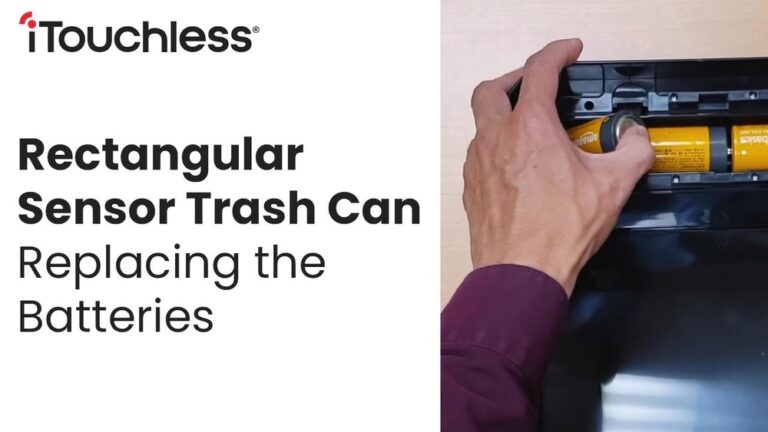
Weak or dead batteries often cause the trash can to stop working. Open the battery compartment carefully. Replace old batteries with new ones of the correct type. Ensure batteries are inserted the right way. Test the trash can after replacing the batteries.
Clean The Sensor
Dirt or smudges on the sensor can block its signal. Use a soft, dry cloth to wipe the sensor gently. Avoid using water or harsh cleaners. Keep the sensor area free from dust and grime. Cleaning helps the sensor detect motion correctly.
Reset The Device
Resetting can solve small software glitches. Look for a reset button or remove the batteries for a few minutes. Put batteries back or press the reset button to restart the device. Test the trash can to see if it opens now. This simple step often restores normal function.
Advanced Fixes
Advanced fixes for a touchless trash can not opening focus on the device’s core parts. These methods involve checking inside the trash can and fixing or swapping broken parts. This section guides you through these steps.
Inspect Internal Components
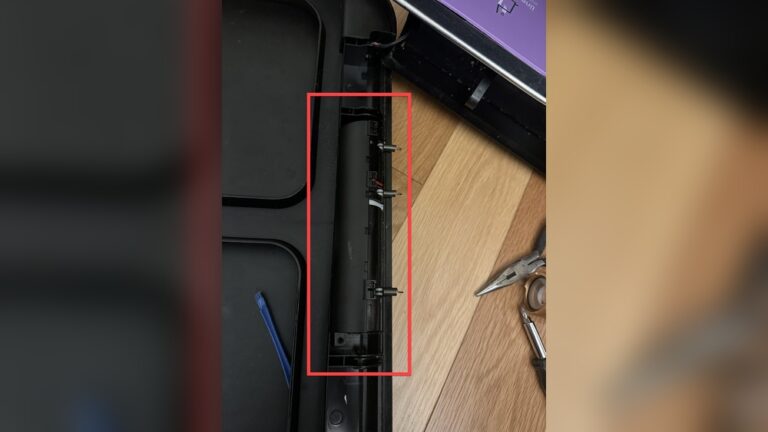
Open the trash can’s lid manually. Look inside for dirt, dust, or loose wires. Clean any grime blocking sensors or moving parts. Tighten any loose connections carefully. Check if the battery is secure and has power. These checks help spot hidden problems.
Repair Or Replace Sensors
Sensors detect your hand to open the lid. If they fail, the lid stays shut. Test the sensor by waving your hand near it. Clean the sensor lens with a soft cloth. Replace the sensor if cleaning does not work. Use the exact part made for your trash can model.
Address Motor Malfunctions
The motor moves the lid up and down. Listen for motor sounds when activating the sensor. No sound means the motor might be broken or jammed. Remove the motor cover and check for stuck parts. Lubricate or replace the motor if needed. This restores smooth lid movement.
Preventive Care
Preventive care keeps your touchless trash can working well. It helps avoid problems like the can not opening. Small steps protect the sensor and battery. These steps save time and money on repairs.
Regular Cleaning Tips
Clean the sensor with a soft cloth. Avoid water or harsh cleaners. Dust and dirt block the sensor’s view. Wipe the lid and body to stop grime buildup. Clean once a week to keep it smooth.
Battery Maintenance
Check batteries often. Weak batteries cause the lid to not open. Replace batteries with the type the manual recommends. Remove batteries if you won’t use the can for a long time. Store batteries in a dry place.
Proper Placement
Place the trash can on a flat surface. Avoid places with direct sunlight on the sensor. Keep it away from strong lights or reflective surfaces. These can confuse the sensor. Give the sensor clear space to detect your hand.
When To Seek Professional Help
Touchless trash cans offer great convenience, but they can stop working. Sometimes, simple fixes solve the problem. Other times, the issue is complex and needs expert care. Knowing when to seek professional help saves time and avoids damage.
Identifying Complex Issues
Some problems look simple but are hard to fix. Sensors might fail or wiring could be damaged. Motor or battery issues can also stop the lid from opening. If you check batteries and clean sensors but the trash can still won’t open, the problem might be inside. Complex repairs need special tools and skills. Trying to fix these can cause more harm.
Warranty Considerations
Many touchless trash cans come with a warranty. It covers repairs or replacements for a set time. Before opening your trash can or trying big repairs, check the warranty terms. DIY fixes might void the warranty. Calling a professional can protect your coverage. They can also provide authorized repairs that keep the warranty valid.

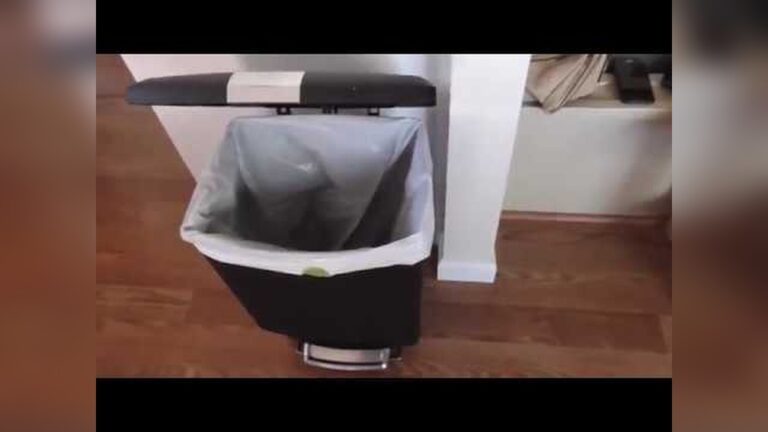
Credit: www.walmart.com
Conclusion
Touchless trash cans can stop opening for several simple reasons. Check the batteries first; weak power often causes issues. Clean the sensor gently to remove dirt or smudges. Make sure nothing blocks the sensor’s view. Resetting the can might help it work again.
Regular care keeps your touchless trash can reliable. Small fixes save time and avoid frustration. Keep these tips in mind for smooth use every day. Easy steps can bring your trash can back to life.