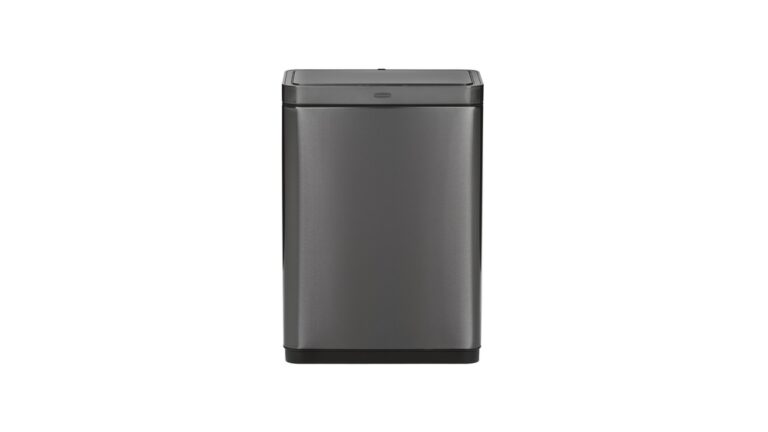
Is your Simplehuman trash can refusing to open when you need it most? It’s frustrating when a tool designed to make your life easier ends up causing hassle instead.
You rely on your trash can every day, and when it doesn’t work, it can throw off your whole routine. But don’t worry—you’re not alone, and there are simple fixes you can try right now. Keep reading to discover easy solutions that will get your Simplehuman trash can opening smoothly again, so you can get back to what matters without the extra stress.
Credit: www.youtube.com
Common Causes Of Opening Issues
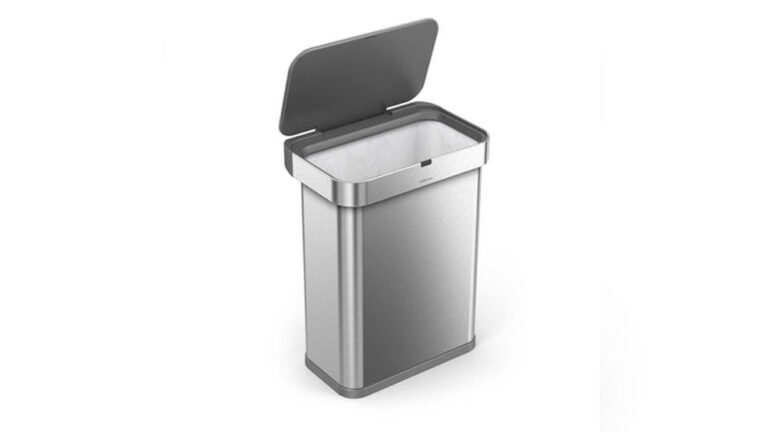
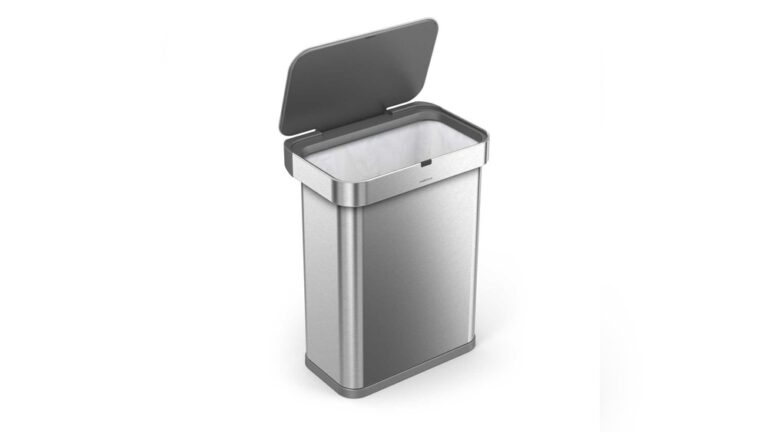
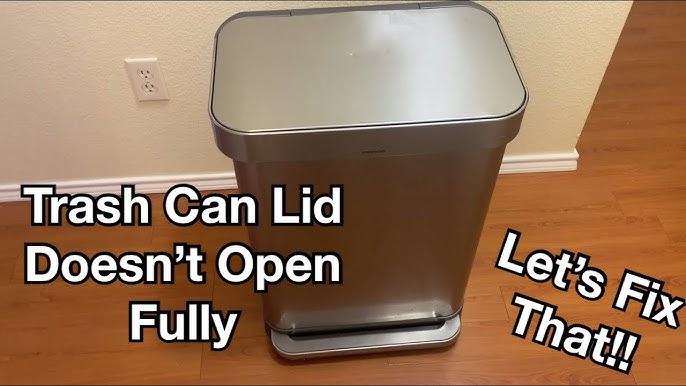
Simplehuman trash cans offer convenience with their automatic lids. Sometimes, the lid does not open as expected. This problem can frustrate users and reduce the trash can’s usefulness. Understanding common causes helps fix the issue quickly.
Several factors can stop the lid from opening. These factors involve sensor, power, and mechanical problems. Checking these areas often resolves the issue.
Sensor Problems
The sensor detects your hand to open the lid. Dirt or dust on the sensor can block its view. A dirty sensor may fail to trigger the lid. Cleaning the sensor gently can restore its function.
Strong sunlight or bright lights can confuse the sensor. Bright light may cause the lid to stay closed. Changing the trash can’s location helps avoid light interference.
Power And Battery Issues
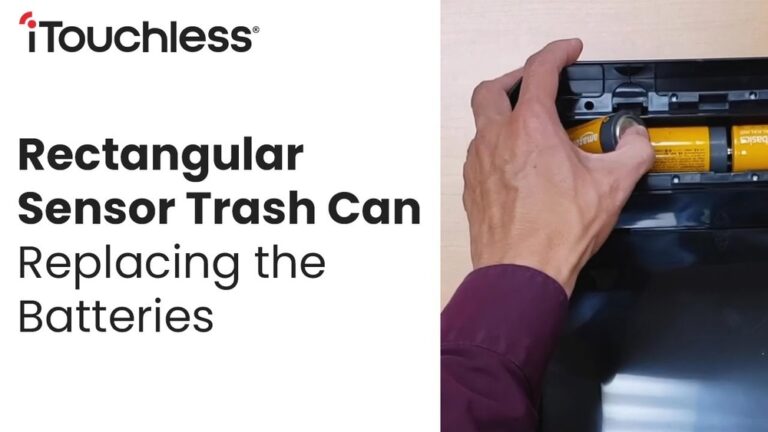
Simplehuman trash cans usually use batteries to power the lid. Weak or dead batteries stop the lid from opening. Replacing batteries with fresh ones often solves the problem.
Battery contacts may corrode or become loose. Corroded contacts block the power flow. Cleaning or adjusting battery contacts can restore power.
Obstructions And Mechanical Blockages
Objects caught in the lid’s mechanism can prevent opening. Check for any trash or debris blocking the lid. Remove any obstacles to allow smooth lid movement.
Sometimes, the lid’s hinge or springs may get stuck. Mechanical parts can become stiff or damaged. Lubricating or inspecting these parts helps the lid open freely.

Credit: www.youtube.com
Quick Sensor Troubleshooting
The Simplehuman trash can uses a sensor to open the lid automatically. Sometimes, the sensor may stop working properly. Quick troubleshooting helps fix the problem fast. This guide covers easy steps to check and fix the sensor. Follow these tips to get your trash can working again.
Cleaning The Sensor
Dirt and smudges can block the sensor. Use a soft cloth to wipe the sensor gently. Avoid using harsh chemicals or water directly on the sensor. Cleaning the sensor helps it detect motion clearly. Check the sensor for dust or fingerprints regularly.
Adjusting Sensor Position
The sensor may not detect motion if it is misaligned. Check if the sensor points toward the area in front of the trash can. Adjust the sensor angle slightly to improve detection. Avoid placing objects near the sensor that block its view. Proper sensor placement ensures the trash can opens smoothly.
Battery Check And Replacement
The Simplehuman trash can uses batteries to open its lid automatically. Batteries can lose power over time. This causes the lid not to open. Checking and replacing the batteries can fix this issue quickly.
Regular battery checks keep the trash can working well. Low or dead batteries stop the sensor from working. Knowing how to test and replace batteries helps maintain your trash can’s function.
Testing Battery Life
Start by opening the battery compartment. Use a small screwdriver if needed. Remove the batteries carefully. Test each battery with a battery tester or multimeter. The tester shows if the battery still has power. If the reading is low, the battery needs replacement. Do this for all batteries in the trash can.
Replacing Batteries Properly
Buy the correct battery type for your model. Check the user manual for details. Insert new batteries following the right direction. Match the plus (+) and minus (-) signs. Close the battery compartment securely. Test the trash can after replacing batteries. The lid should open smoothly once power is restored.
Clearing Obstructions
Clearing obstructions is key to fixing a Simplehuman trash can that won’t open. Dirt and small objects can block the lid mechanism. This stops the lid from moving freely. Regular checks help keep the trash can working well. Follow simple steps to find and remove blockages.
Inspecting The Lid Mechanism
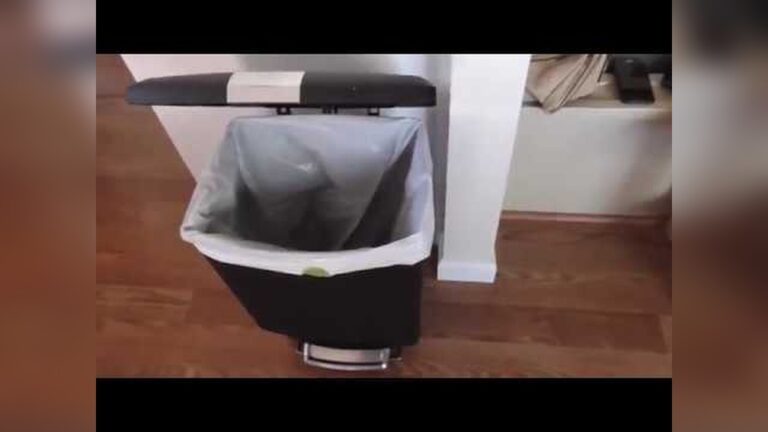
Start by looking closely at the lid’s moving parts. Check for anything stuck or out of place. Watch how the lid moves when you press the sensor or pedal. Notice any jerky or stiff movements. These signs show where the lid might be blocked.
Pay attention to hinges and joints. Dust and grime often build up here. Even small crumbs can cause trouble. Gently try to move parts by hand. This can help spot the exact problem area. Do not force the lid as it might break.
Removing Debris And Dirt
Clear out any visible debris around the lid and sensor area. Use a soft brush or cloth to clean tight spots. Avoid using water near electronic parts. Use a dry or slightly damp cloth instead. Clean the pedal or sensor surface too.
Check inside the lid for hidden dirt. Remove any stuck trash or paper pieces. Cleaning these spots can restore smooth lid action. Repeat cleaning regularly to prevent future blockages. A clean trash can lasts longer and works better.
Resetting The Trash Can
Resetting the Simplehuman trash can often solves problems with the lid not opening. This process clears any errors and restores normal function. It is a quick way to fix minor issues without tools or special skills.
Resetting involves two main steps: power cycling the device and performing a factory reset. Both methods are easy and safe. They help your trash can respond correctly to sensors and commands again.
Power Cycling The Device
Power cycling means turning the trash can off and on again. First, unplug the power adapter from the wall. Wait for about 30 seconds to let the device fully shut down. Then, plug it back in. This step resets the internal electronics and can clear small glitches.
After power cycling, test the lid by waving your hand in front of the sensor. The lid should open smoothly. If not, try the next step.
Performing A Factory Reset
A factory reset returns the trash can to its original settings. Locate the reset button, usually under the lid or near the sensor. Press and hold the button for 10 seconds. You may hear a beep or see a light flash.
This action erases all custom settings and fixes deeper software problems. After the reset, the trash can should work as new. Test the lid again to confirm the issue is resolved.
When To Contact Support
Sometimes, your Simplehuman trash can won’t open despite your efforts. Troubleshooting helps, but some problems need expert help. Knowing when to contact support can save time and stress. Support teams can guide you through fixes or repairs. Here are key points about warranty and repair options.
Warranty Information
Simplehuman offers a limited warranty on their trash cans. This covers defects in materials and workmanship. Check your purchase date to see if the warranty still applies. The warranty usually lasts one year from the purchase date. Keep your receipt as proof of purchase. Warranty service may include free repairs or replacements. Damage from misuse or accidents is not covered. Contact support to confirm your warranty status and coverage.
Authorized Repair Options
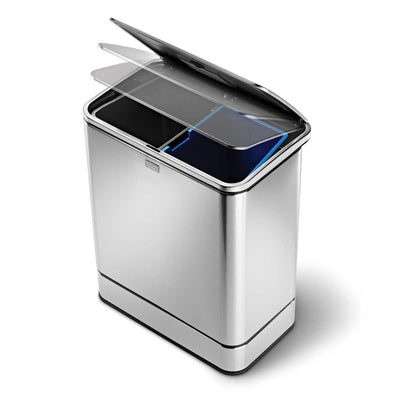
Simplehuman has authorized repair centers for fixing trash cans. These centers use genuine parts and follow company standards. Repairs done by unauthorized technicians can void the warranty. Support can direct you to the nearest authorized repair option. Some issues may qualify for free repair under warranty. Others might need paid service if the warranty expired. You may also receive guidance for simple repairs you can do at home.
Credit: www.simplehuman.com
Conclusion
Simplehuman trash cans usually work well without issues. Small problems like not opening often have easy fixes. Check the lid, foot pedal, or sensor for blockages. Cleaning parts regularly helps keep the trash can working smooth. If problems stay, contacting customer support might help solve them.
Taking simple steps can save time and avoid frustration. Keep your trash can clean and functional every day. This way, you get the best use from your Simplehuman trash can.