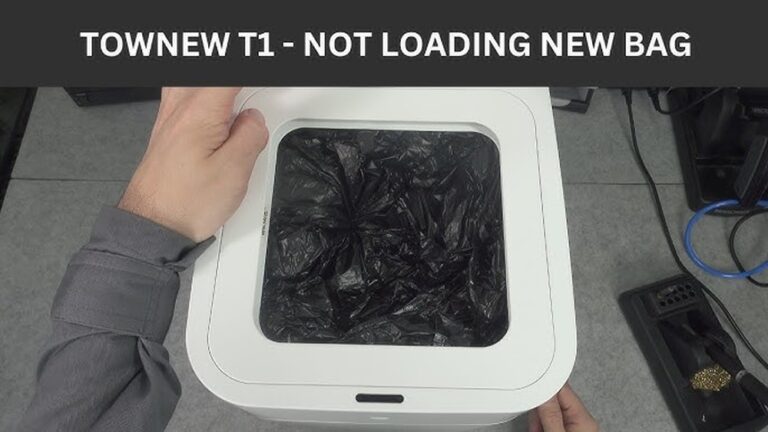
Is your touchless trash can not working when you need it most? That sudden failure can be frustrating, especially when you’re expecting a quick, hands-free way to toss your garbage.
You rely on this small convenience to keep your kitchen clean and your hands free from mess. But what do you do when it stops responding? You’ll discover easy steps to diagnose and fix your touchless trash can. Keep reading to regain that effortless, hygienic experience you deserve.
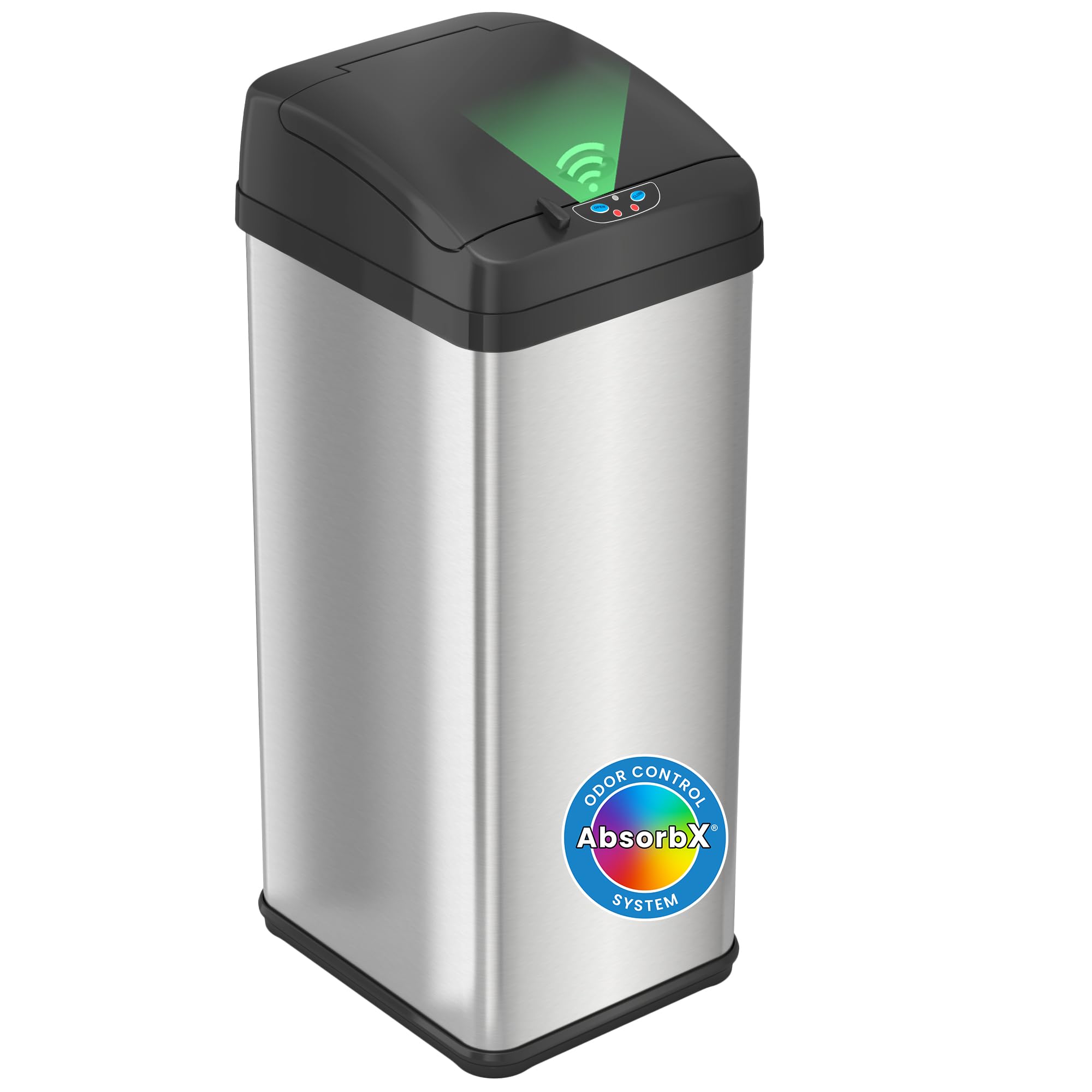
Credit: www.amazon.com
Common Reasons For Malfunction
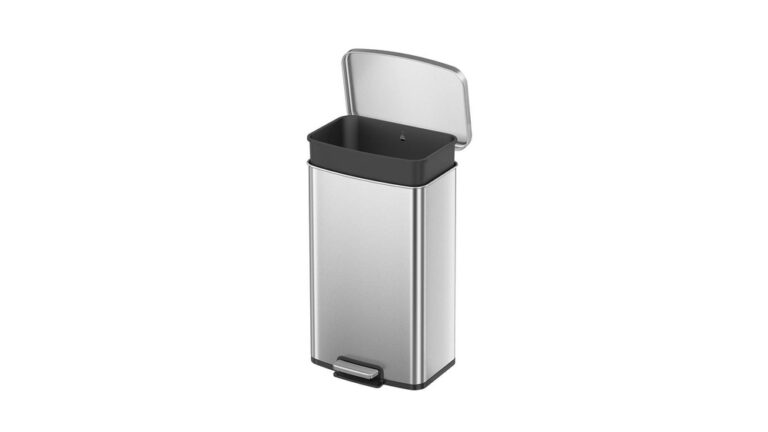
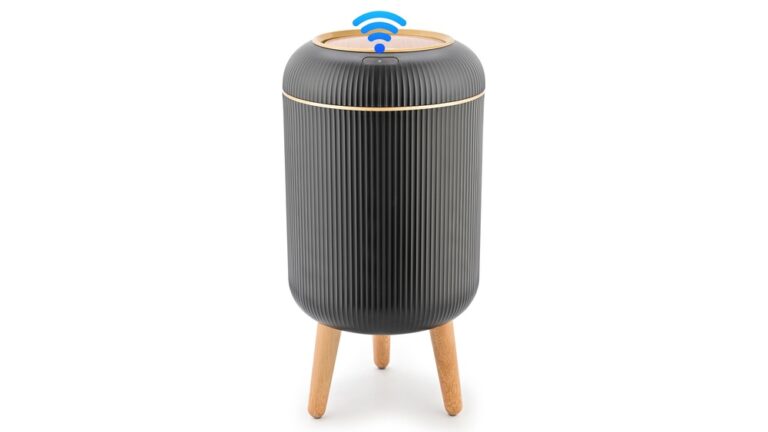
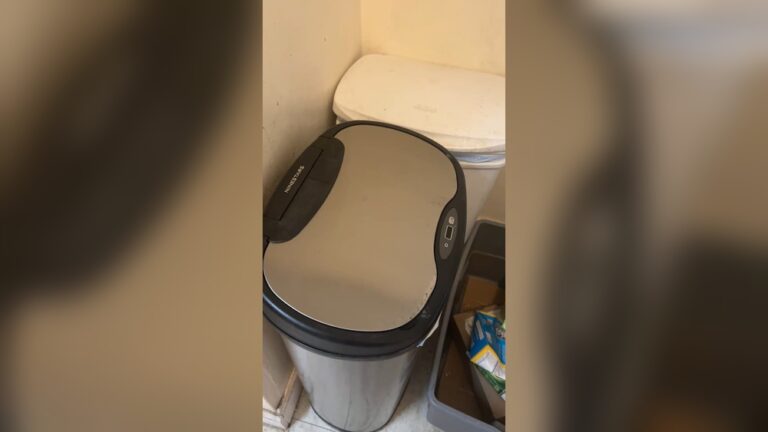
Touchless trash cans are convenient and hygienic. They open with just a wave of your hand. But sometimes, they stop working. Understanding the common reasons for malfunction helps fix the issue fast.
Power Supply Issues
Power problems are the main cause of failure. The trash can may have dead batteries. Check if the batteries are inserted correctly. Replace old batteries with fresh ones. Some models use a power adapter. Ensure it is plugged in securely. A loose connection can stop the can from working.
Sensor Blockages
The sensor detects your hand to open the lid. Dirt or dust can cover the sensor. Clean the sensor gently with a soft cloth. Avoid using water or harsh cleaners. Objects placed too close to the sensor can confuse it. Keep the area clear for better detection.
Mechanical Failures
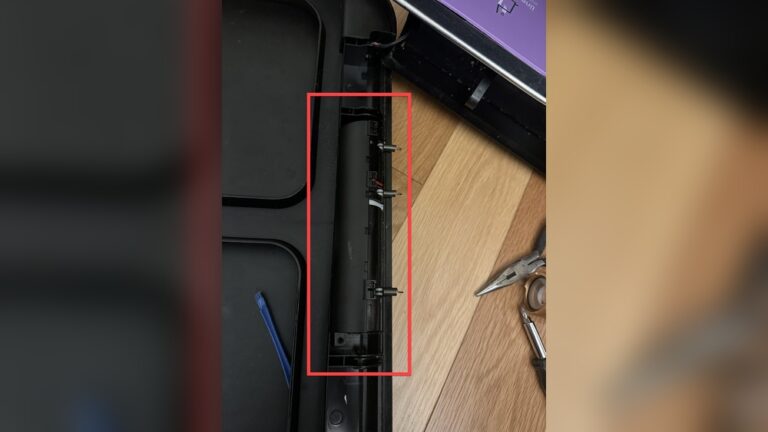
Parts inside the trash can may wear out. The lid’s motor might get stuck or broken. Listen for noises when the lid tries to open. If silent, the motor could be damaged. Hinges can also become loose or jammed. Tighten screws and remove any blockages carefully.
Troubleshooting Power Problems
Power issues are a common cause of a touchless trash can not working. Checking the power source is the first step in troubleshooting. This section guides you through simple checks to restore power and get your trash can working again.
Checking Batteries
Remove the battery cover and check the batteries. Old or dead batteries often cause power failures. Replace them with new ones of the same type. Make sure the batteries are inserted correctly, matching the positive and negative ends.
Clean the battery contacts if they look dirty or corroded. Use a dry cloth or a small brush. Dirty contacts can stop the trash can from turning on. After replacing or cleaning, close the cover tightly and test the device.
Inspecting Power Cords
Some touchless trash cans use power cords instead of batteries. Check the cord for any visible damage like cuts or frays. A damaged cord can block power flow and stop the device from working. Make sure the plug fits firmly into the outlet.
Try a different power outlet to rule out outlet problems. Avoid using extension cords that may cause power drops. If the cord is damaged, replace it with a new one recommended by the manufacturer.
Resetting The Device
Resetting the touchless trash can may solve power problems. Locate the reset button or unplug the device for a few minutes. Press the reset button if available, or plug it back in after waiting. This action clears minor errors and restarts the system.
After resetting, test the trash can by waving your hand near the sensor. If it still does not work, revisit the battery or power cord checks. Resetting is a quick way to restore power and functionality.
Cleaning And Maintaining Sensors
Keeping the sensors clean and well-maintained helps your touchless trash can work smoothly. Sensors detect your hand and open the lid automatically. Dirt, dust, or misalignment can stop the sensor from working properly. Regular care can fix many common problems quickly.
Removing Dirt And Debris
Turn off the trash can before cleaning the sensor. Use a soft cloth slightly dampened with water. Gently wipe the sensor area to remove dirt and dust. Avoid using harsh chemicals or rough materials. They can damage the sensor surface. Clean the sensor weekly to keep it clear and responsive.
Adjusting Sensor Position
Check if the sensor is aimed correctly. It should face the area where you wave your hand. Sometimes the sensor shifts from its original position. Loosen any screws or clips holding the sensor. Move it gently to the correct angle. Tighten the screws to secure the sensor in place. Proper alignment improves detection and response time.
Testing Sensor Response
Turn on the trash can after cleaning and adjusting. Wave your hand slowly in front of the sensor. The lid should open within seconds. Test from different angles and distances. If the lid does not open, repeat cleaning and adjustment. Consistent testing ensures the sensor works well every time.
Fixing Mechanical Issues
Fixing mechanical issues in a touchless trash can often solves the problem of it not working. Mechanical parts can get misaligned, stuck, or damaged. These issues stop the lid from opening or closing properly. Simple fixes can bring the trash can back to life without much cost or effort.
Realigning Lid Mechanism
The lid may not open if the mechanism is out of place. Check if the lid sits evenly on the base. Gently adjust the lid to fit correctly on the hinges. Make sure the sensor area is clear of obstructions. Realigning the lid helps the sensor detect movement better.
Lubricating Moving Parts
Moving parts can get stiff or rusty over time. Apply a small amount of lubricant to the hinges and joints. Use a lubricant safe for plastic and metal. This makes the lid move smoothly and quietly. Lubrication reduces wear and tear on the parts.
Replacing Damaged Components
Broken parts stop the trash can from working properly. Look for cracked hinges, broken springs, or damaged sensors. Order replacement parts from the manufacturer or a trusted seller. Replace the damaged parts carefully using basic tools. New components restore full function to the touchless trash can.
When To Seek Professional Help
Knowing when to seek professional help for a touchless trash can is important. Some problems need expert attention to avoid further damage. Simple fixes can be done at home. But complex issues require a technician’s skill. This saves time and money in the long run.
Identifying Complex Faults
Some faults are not easy to find or fix. Issues with sensors, wiring, or electronics often need special tools. If the trash can does not open or close after battery changes, the problem may be deeper. Strange noises or constant errors also show complex faults. Trying to repair these without skills can cause more harm.
Warranty And Repair Services
Check if your touchless trash can is under warranty. Repairs covered by warranty should be done by authorized service centers. This keeps your warranty valid and ensures quality repairs. Even without a warranty, professional repair services offer reliable fixes. They use original parts and know the product well. This helps maintain the trash can’s performance and lifespan.

Credit: www.kraususa.com
Conclusion
Touchless trash cans save time and keep hands clean. Small problems can stop them from working well. Check the batteries and sensors first. Clean the sensor area gently to remove dirt. Reset the trash can if it acts strange. Following these steps helps fix common issues fast.
Enjoy the convenience of a working touchless trash can again. Simple care keeps it running smoothly for a long time.