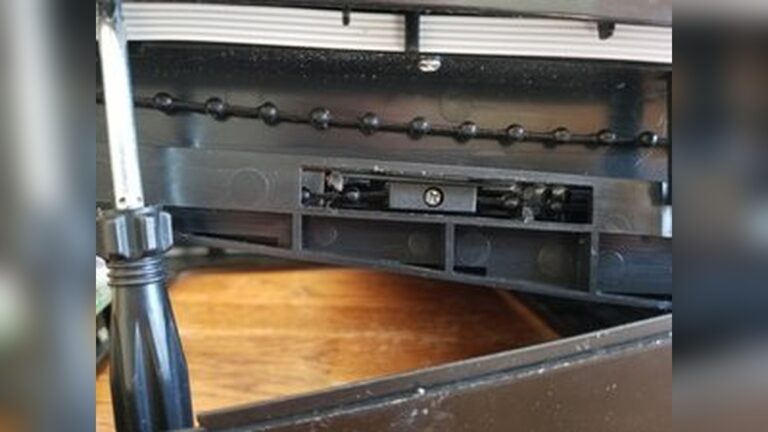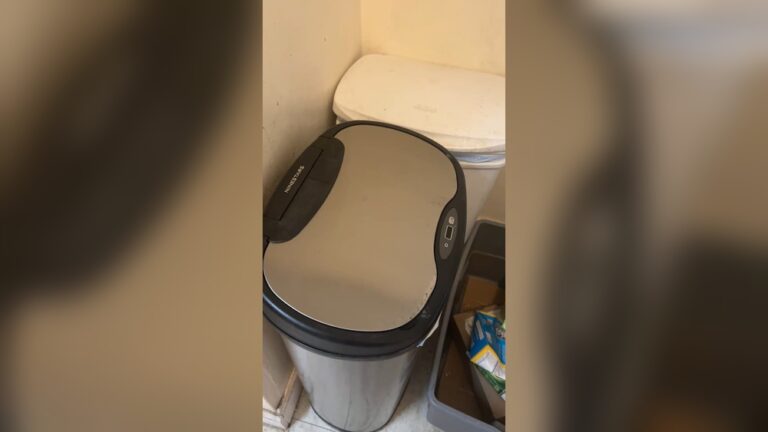
Is your Townew trash can suddenly not working? It’s frustrating when a smart device meant to make your life easier stops responding.
You rely on your Townew to keep your home clean and hassle-free, so when it fails, it feels like a major setback. But don’t worry—you’re not alone, and there are simple fixes that can get your trash can back in action quickly.
Keep reading to discover common problems and easy solutions that will have your Townew working smoothly again.
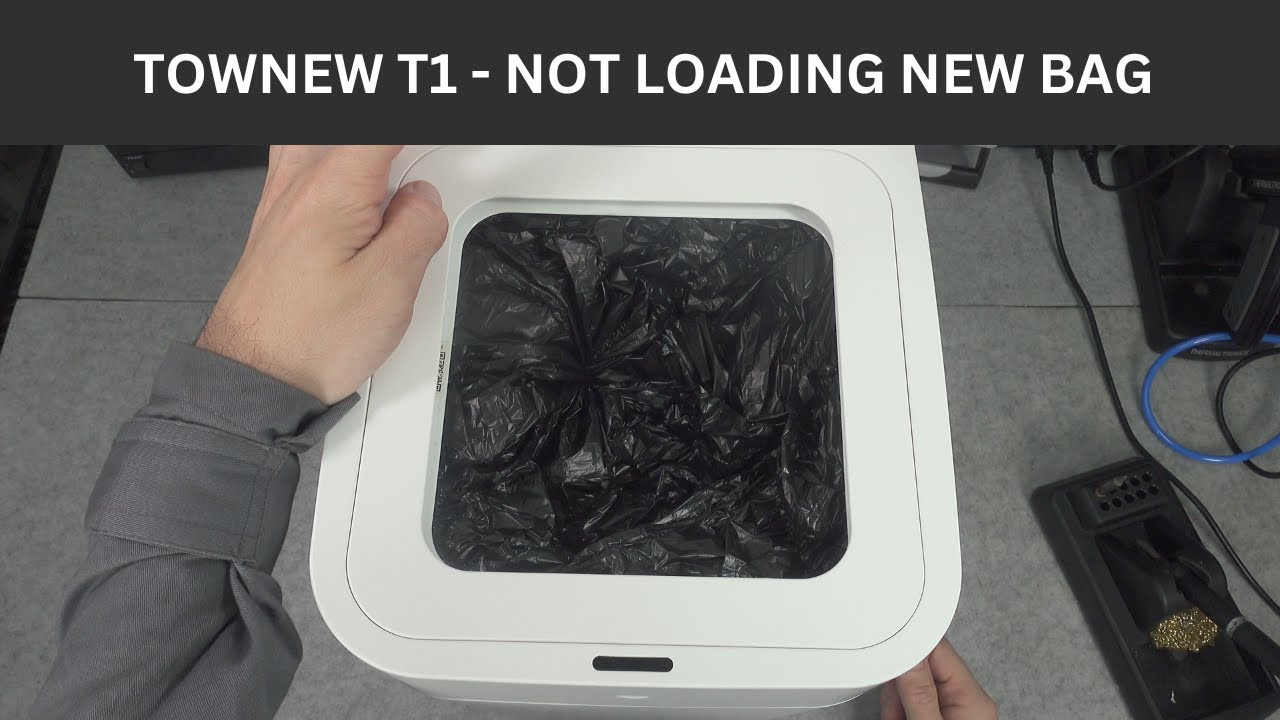
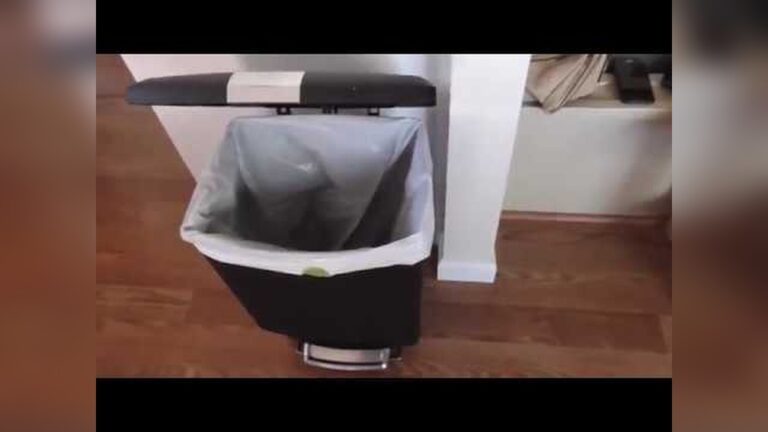
Credit: www.youtube.com
Common Townew Trash Can Issues
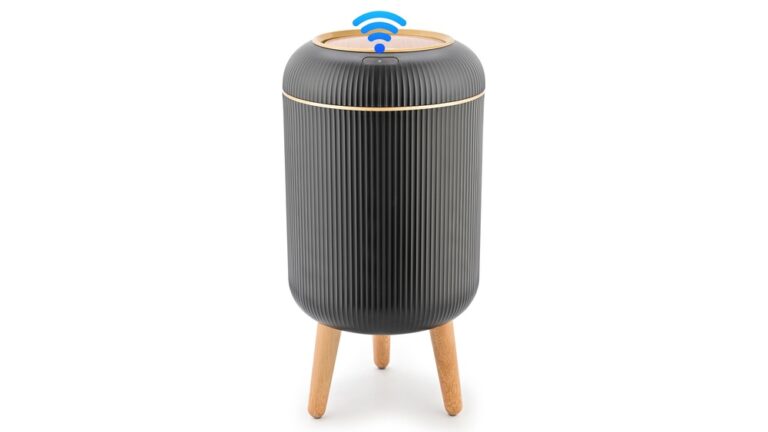
Townew trash cans offer smart features to make trash disposal easy. Yet, some common problems can stop them from working well. Knowing these issues helps you fix them quickly.
This section explains the usual Townew trash can problems and how they affect its use.
Power Problems
One common issue is power failure. The trash can may not turn on or respond. It can happen if the batteries are dead or not inserted correctly. Check the battery compartment and replace old batteries with new ones. Sometimes, the power button might be stuck or damaged. Press gently or clean around the button to fix this.
Sensor Malfunctions
The trash can uses sensors to open the lid automatically. Dirt or dust can block sensors and stop them from working. Clean the sensor area gently with a soft cloth. Bright lights or direct sunlight can also confuse sensors. Move the trash can to a different spot if the sensor reacts strangely.
Lid Not Closing Properly
The lid may stay open or close unevenly. This happens if the lid is stuck on trash or the bag. Check for any obstacles and clear them. The lid’s hinge might be loose or broken. Tighten screws or replace parts if needed. Keep the lid clean to avoid sticky buildup.
Bag Replacement Errors
Using the wrong bag size can cause problems. The bag may not fit or seal properly. Always use Townew-approved bags for best results. Incorrect installation can stop the trash can from sealing the bag. Follow the instructions step by step. Make sure the bag is placed evenly and secured tightly.
Basic Troubleshooting Steps
Basic troubleshooting steps can help fix common issues with your Townew trash can. These steps are simple and quick to perform. They often solve problems without needing expert help.
Start with the basics before trying complex fixes. This saves time and effort. Follow these steps carefully to get your trash can working again.
Checking Power Supply
Make sure the trash can is plugged in properly. Check the power outlet for any problems. Try using a different outlet if needed. Verify the power cord is not damaged. Without power, the device cannot work.
Resetting The Device
Turn off the trash can and unplug it. Wait for about 30 seconds. Plug it back in and turn it on. Resetting can clear minor errors. It gives the device a fresh start.
Cleaning Sensors And Lid
Dirty sensors can stop the trash can from working. Wipe sensors gently with a soft cloth. Clean the lid to remove dust and debris. Keep sensors dry and clear for best results.
Ensuring Proper Bag Installation
Check if the trash bag is installed correctly. Make sure it fits snugly inside the can. A loose bag can cause errors or prevent closing. Replace the bag if it is torn or too big.
Advanced Fixes
Advanced fixes for the Townew trash can help solve common problems. These steps need a bit more effort but can bring your trash can back to life. Follow these tips carefully to avoid damage and improve performance.
Replacing Batteries Or Power Adapter
Check the battery level if the trash can does not open. Old or weak batteries reduce power. Remove old batteries and insert new ones matching the required size. For models using a power adapter, inspect the cord for damage. Replace the adapter if it shows wear or does not work. Power supply issues often stop the trash can from working.
Calibrating The Sensor
The sensor controls the lid’s opening. Dirt or misalignment can cause errors. Clean the sensor with a soft cloth. Avoid harsh chemicals that damage it. Reset the sensor by turning the trash can off and on again. Some models have a calibration button; press it following the manual’s instructions. Correct sensor calibration ensures smooth lid operation.
Fixing Mechanical Lid Issues
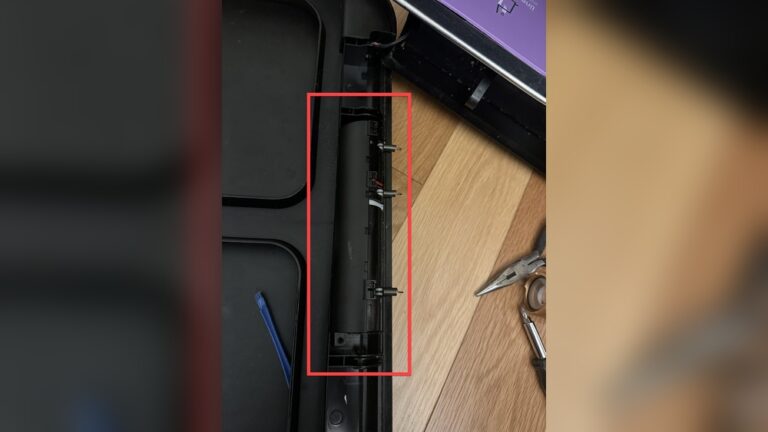
The lid might get stuck or move slowly. Check for any blockages or debris around the hinge. Clean the hinges and apply a small amount of lubricant if the lid is stiff. Tighten loose screws that hold the lid parts together. If the lid’s spring is broken, replace it with a new one. Proper lid function is key for a working trash can.
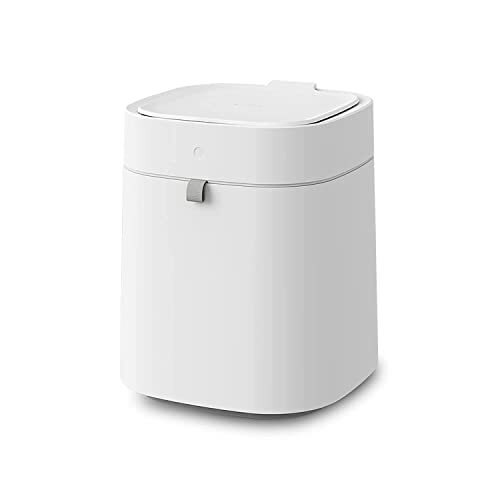
Credit: www.ebay.com
Maintenance Tips For Longevity
Maintaining your Townew trash can properly helps it work longer without problems. Simple care steps keep the automatic functions smooth. Small habits protect the sensors and motor from damage.
Follow these tips to extend your trash can’s life. They prevent common issues and save repair costs.
Regular Cleaning Routines
Clean the trash can outside and inside every week. Wipe sensors gently with a soft cloth. Avoid water or harsh chemicals near electronic parts. Remove dust and debris from the lid and base.
Regular cleaning stops buildup that can block sensors. It also prevents bad smells and mold growth.
Proper Bag Usage
Use the bags recommended by Townew. Bags that fit well help the lid close tightly. Avoid bags that are too thin or small. They can tear or slip inside the can.
Changing bags regularly keeps the trash can working well. Replace bags before they get too full or heavy.
Avoiding Overloading
Do not put too much trash in the bag or can. Overloading stresses the motor and sensors. It may cause the lid to jam or stop working.
Fill bags only to the recommended level. Throw away large or heavy items separately. This protects the trash can’s automatic system.
When To Contact Support
Knowing when to contact support for your Townew trash can saves time and stress. Some problems are easy to fix at home. Others need expert help to avoid more damage. Understanding the right moment to reach out makes a big difference.
Warranty And Repair Options
Check your Townew trash can warranty first. It covers many common issues for a set time. If your device stops working within this period, you may get a free repair or replacement. Keep your purchase receipt ready when contacting support.
Minor problems like sensor glitches might be fixed by the company. For bigger faults, they often offer repair services. Trying to fix these yourself can void the warranty. Support teams guide you through the process step-by-step.
Professional Service Recommendations
Some problems need skilled help beyond simple fixes. If your trash can has electrical faults or broken parts, call support. They can recommend authorized repair centers or technicians. These pros have the right tools and knowledge to fix your device safely.
Do not open the device if you are unsure. Incorrect handling can cause more damage or safety risks. Let professionals handle complex repairs for the best results. Early support contact often prevents bigger problems later on.

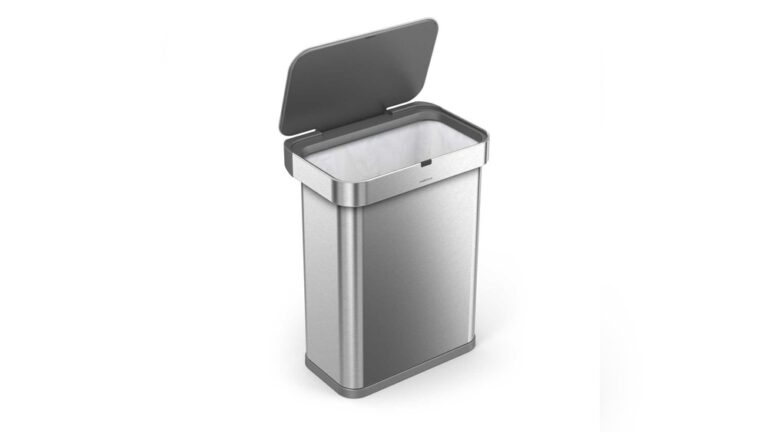
Credit: uk.pcmag.com
Conclusion
Troubleshooting your Townew trash can can save you time and money. Check the battery and sensors first. Clean any dirt or debris around moving parts. Resetting the device often fixes small glitches. Remember, regular maintenance keeps it working well. If problems persist, contacting customer support helps.
Small steps make a big difference. Keep your trash can running smoothly and enjoy a cleaner home. Simple fixes often solve common issues quickly. Don’t let a broken trash can slow you down.