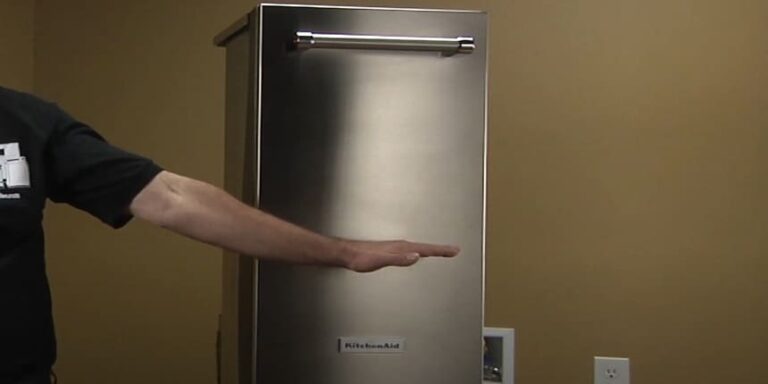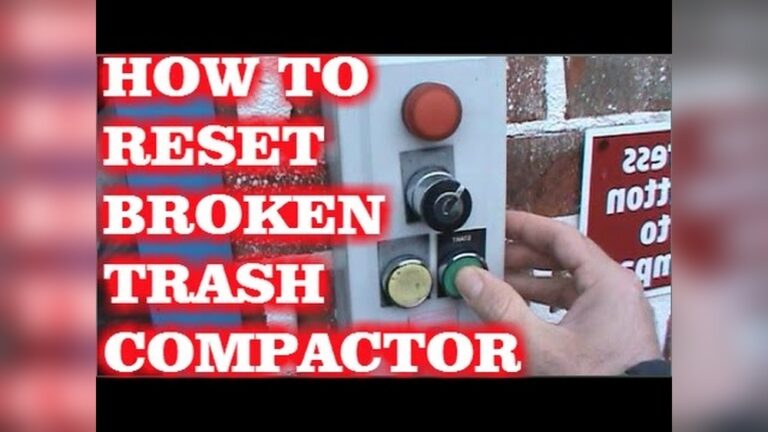
Is your trash compactor running non-stop and driving you crazy? You’re not alone.
When your compactor won’t stop running, it can waste electricity, make annoying noise, and even cause damage. But don’t worry—this problem usually has simple fixes you can try yourself. You’ll discover why your trash compactor keeps running and how to stop it quickly.
Keep reading to save time, money, and frustration!

Credit: www.youtube.com
Common Causes Of Continuous Running
Trash compactors that run non-stop waste electricity and can cause damage. Understanding why they keep running helps you fix the problem fast. Common causes include electrical faults, sensor errors, and stuck switches. Each issue affects the compactor differently but can lead to continuous operation.
Electrical Issues
Wiring problems often cause trash compactors to run continuously. Loose or damaged wires create short circuits. These shorts send wrong signals to the motor. Faulty electrical components like capacitors or relays can also keep the motor on. Checking and repairing wiring can stop the endless running.
Sensor Malfunctions
Sensors tell the compactor when to start and stop. Dirt or debris on sensors may cause false readings. A broken sensor might not detect the compactor’s position. This confusion makes the machine run without stopping. Cleaning or replacing sensors usually solves this problem quickly.
Stuck Switches
Switches control the power flow to the compactor’s motor. A stuck or jammed switch can keep the motor running. Dirt and wear often cause switches to stick. Testing the switch and cleaning or changing it can fix the continuous running issue. Simple switch problems are common and easy to repair.
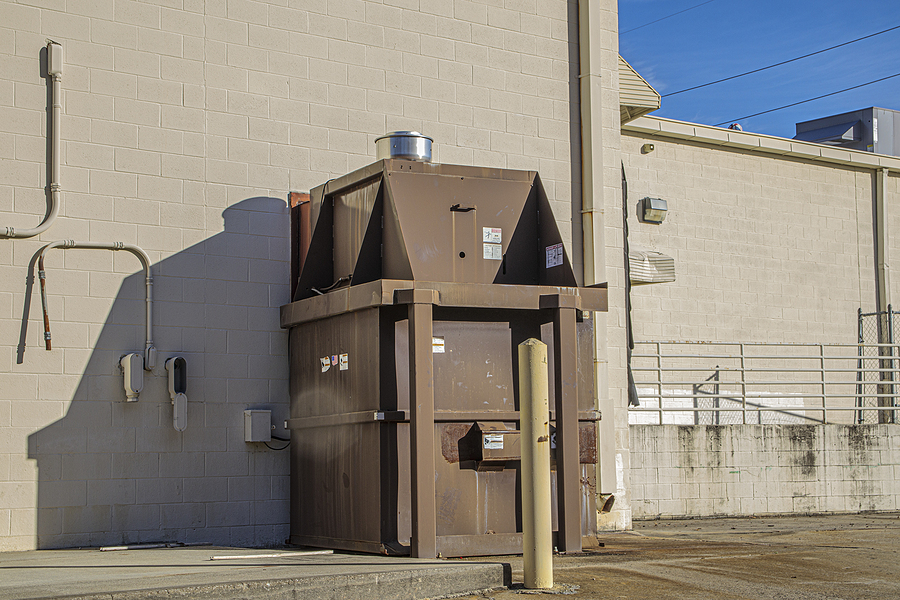
Credit: batc-compacts.com
Safety Precautions Before Repair
Before fixing a trash compactor that won’t stop running, safety is key. Mishandling electrical appliances can cause harm. Taking the right safety steps protects you and your home.
Disconnect Power
Always unplug the trash compactor from the power source. This stops electricity from flowing. It prevents electric shocks during repair. If the plug is hard to reach, turn off the circuit breaker. Never work on the machine while it is powered.
Wear Protective Gear
Wear gloves to protect your hands from sharp parts. Safety glasses keep your eyes safe from debris or sparks. Avoid loose clothing that can get caught inside. Use closed-toe shoes for foot protection. These simple steps reduce injury risk during repair.
Quick Troubleshooting Steps
When a trash compactor won’t stop running, quick action can save time and effort. Simple checks often fix the issue without calling a technician. Follow these easy steps to troubleshoot the problem yourself.
Resetting The Compactor
First, try resetting the compactor. Unplug the unit from the power outlet. Wait for about five minutes to clear any electrical glitches. Plug it back in and press the reset button, if available. This step can stop continuous running caused by minor faults.
Checking The Door Latch
The door latch must be fully closed for the compactor to work correctly. Open the door and inspect the latch for dirt or damage. Clean any debris blocking it. Close the door firmly until it clicks. A faulty latch can make the compactor run nonstop.
Inspecting The Motor
Check the motor if the compactor still runs nonstop. Listen for unusual noises like grinding or humming. These sounds may indicate a motor problem. Look for signs of overheating or burning smell. If the motor seems faulty, it may need repair or replacement.
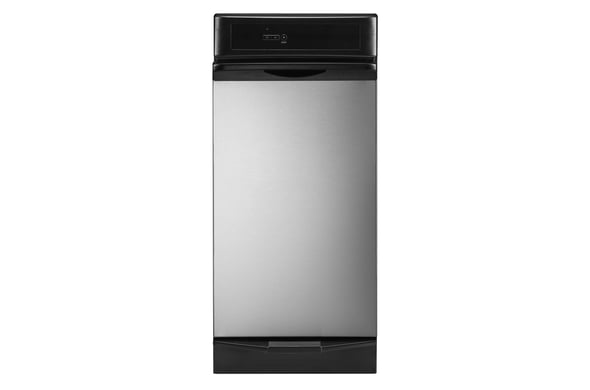
Credit: www.searspartsdirect.com
Fixing Sensor Problems
Fixing sensor problems is key to stopping a trash compactor that won’t stop running. Sensors tell the machine when to start and stop. Dirt or damage can make sensors fail. This can cause the compactor to keep running without stopping.
Cleaning and replacing sensors are the main fixes. Both tasks are simple and save money. A clean sensor works better. A faulty sensor needs replacing for good results.
Cleaning Sensors
Turn off and unplug the trash compactor first. Locate the sensors near the compactor’s door or inside the unit. Use a soft cloth or cotton swab to gently clean the sensor area. Remove dust, dirt, and grime carefully. Avoid using water or harsh chemicals. Clean sensors detect objects and stop the machine on time. Check the sensor after cleaning by plugging the unit back in. Run a test cycle to see if the compactor stops correctly.
Replacing Faulty Sensors
Find the right replacement sensor for your compactor model. Unplug the machine before starting. Open the compactor’s panel to access the sensor. Remove the faulty sensor carefully by disconnecting wires or screws. Install the new sensor in the same position. Secure it tightly and reconnect wires properly. Close the panel and plug the compactor back in. Test the machine to confirm the new sensor works well. Replace sensors only if cleaning does not fix the issue.
Repairing Or Replacing Switches
Repairing or replacing switches is a common fix for a trash compactor that won’t stop running. Switches control the power flow to the motor. A faulty switch might keep the compactor running nonstop. Finding the problem switch helps save money and effort. You can test switch functionality with simple tools. Replacement is easy if testing shows a bad switch.
Testing Switch Functionality
Unplug the trash compactor before testing switches. Use a multimeter set to continuity mode. Press the switch button or lever. The multimeter should beep or show zero resistance if the switch works. No beep or high resistance means the switch is faulty. Test all switches, including door, start, and safety switches. Record each switch’s response for comparison.
Switch Replacement Guide
Find the exact replacement switch for your model. Unplug the unit and open the switch panel. Remove screws or clips holding the faulty switch. Note the wiring positions before disconnecting wires. Use a screwdriver to detach wires gently. Attach the new switch wires in the same order. Secure the new switch with screws or clips. Close the panel and plug in the compactor. Test the compactor to ensure the switch works.
When To Call A Professional
Knowing when to call a professional for a trash compactor that won’t stop running is very important. Some problems need expert help to avoid safety risks or bigger repairs. Acting fast can save time and money in the long run.
Signs Of Complex Electrical Issues
One sign is a burning smell near the compactor. Flickering lights or sparks are red flags. If the compactor runs nonstop even after unplugging, electrical parts may be faulty. Strange noises like buzzing or humming also show electrical problems. These signs need a professional’s attention for safe repairs.
Avoiding Further Damage
Stop using the compactor immediately if it won’t stop running. Unplug the device to prevent electrical hazards. Don’t try to open or fix internal parts yourself. Delaying professional help can cause more damage. A technician knows how to fix issues safely and correctly.
Preventive Maintenance Tips
Preventive maintenance helps keep your trash compactor running smoothly. It stops small problems from becoming big issues. Regular care extends the machine’s life and saves money on repairs.
Regular Cleaning
Clean the compactor after every use. Remove all trash and debris inside the unit. Wipe down surfaces with a damp cloth to avoid dirt buildup. Check the blades for stuck materials. Clean blades carefully to prevent damage. Avoid using harsh chemicals that can harm the machine.
Routine Inspections
Inspect the compactor often for any signs of wear or damage. Look at the power cord and plug for frays or cracks. Test the on/off switch to ensure it works properly. Listen for unusual noises during operation. Address any issues immediately to avoid long-term damage. Keep a maintenance log to track problems and repairs.
Frequently Asked Questions
Why Does My Trash Compactor Keep Running Nonstop?
A trash compactor runs nonstop due to a faulty switch, motor issues, or stuck debris. Check the door switch and clean any jammed materials. Faulty wiring or a defective motor can also cause continuous operation.
How Can I Reset A Trash Compactor That Won’t Stop?
To reset, unplug the compactor for 5 minutes, then plug it back in. This can clear minor electrical faults. If it still runs, inspect the door switch and motor for problems.
Can A Faulty Door Switch Cause Nonstop Running?
Yes, a faulty door switch can cause the compactor to run continuously. The switch signals when the door is closed. If it’s stuck or damaged, the compactor won’t stop because it thinks the door is open.
What Should I Do If The Motor Won’t Stop Running?
If the motor won’t stop, the motor relay or start capacitor may be faulty. Test these components or call a professional technician. Avoid running the compactor to prevent motor damage.
Conclusion
A trash compactor that won’t stop running needs quick attention. Check the switch and motor for any problems. Sometimes dirt or jams cause it to run nonstop. Fixing small issues early can save you money. If unsure, call a professional for help.
Regular cleaning keeps your compactor working well. Don’t ignore the problem; it can get worse. Keep your kitchen safe and your compactor in good shape. Simple steps can stop the running and avoid bigger troubles. Take action today for a quiet, working compactor.